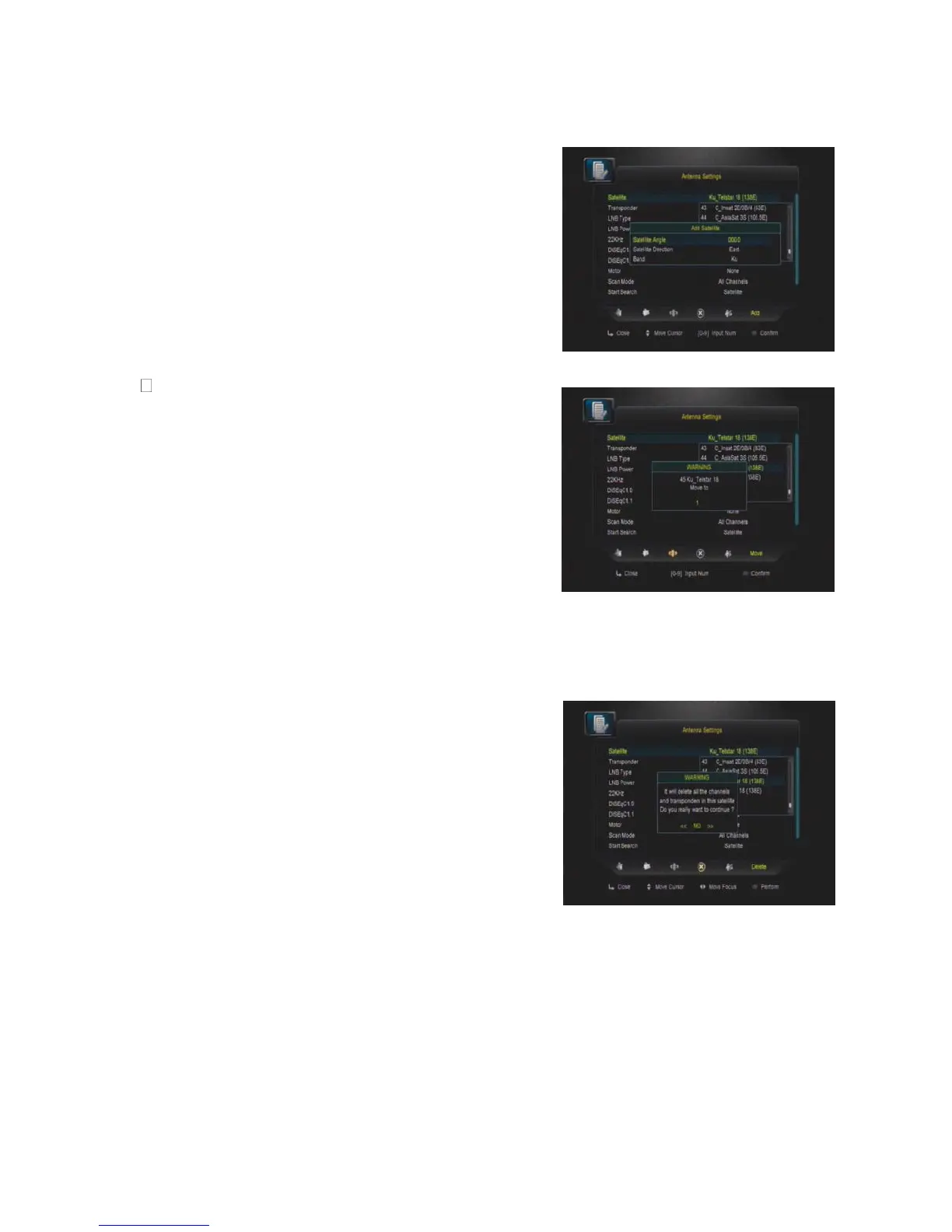
Add satellite by using the Red key. Here you can
input new Satellite angle, Satellite Direction (east,
west), Band (ku,c). OK to confirm the setting and
this new satellite will be added to the end of the
Satellite list.
Edit
Select the satellite then press green button. You
can change the satellite’s name, angle, direction
and band. Input the characters which you want to
edit using the browser.
Delete
You can delete the user’s satellite. Select the
satellite that you want to delete from the satellite
list. You will be asked to confirm whether delete
the satellite or not. If you press ok key, all the
channels in the selected satellite and transponder
will be deleted, and the selected satellite will
disappear.


 To Next Page