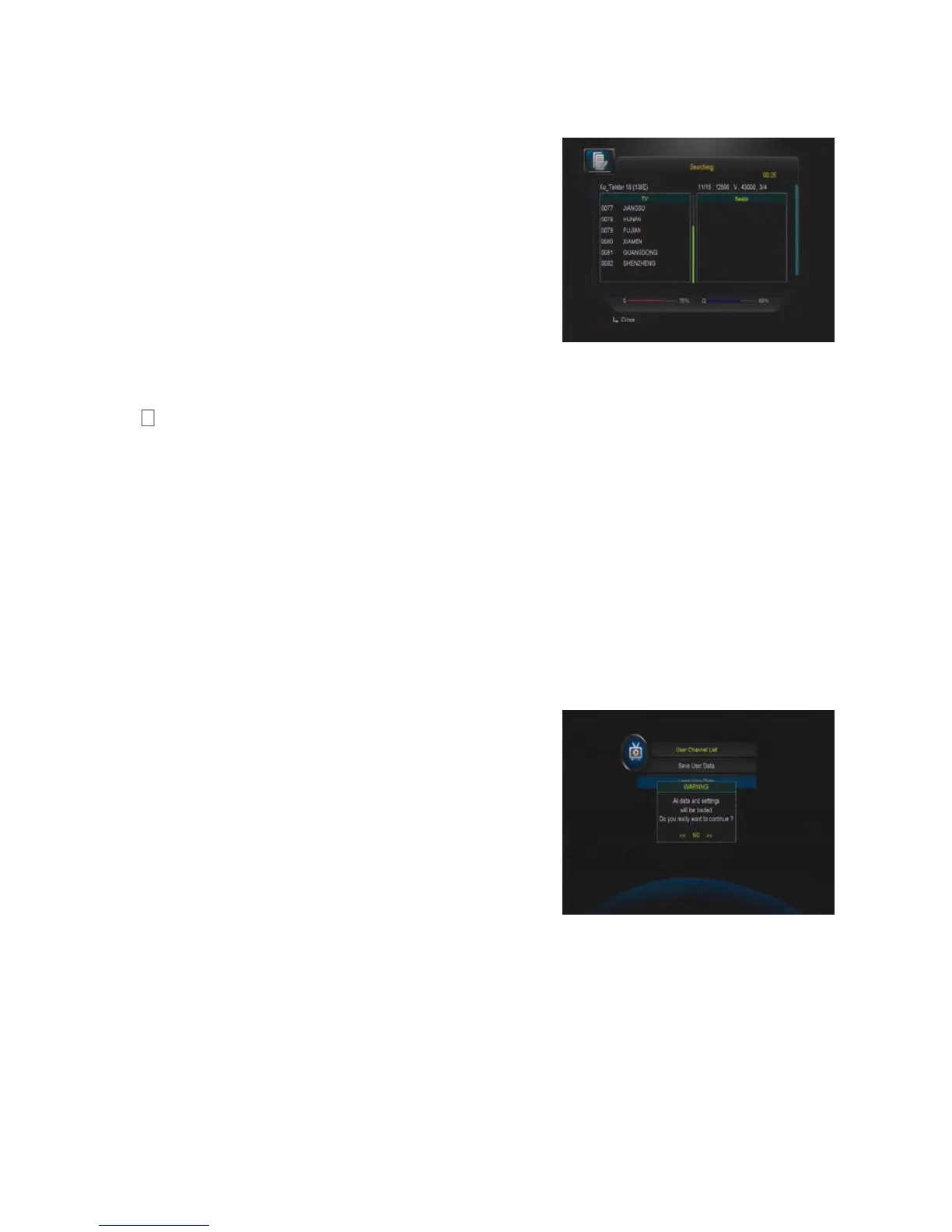
G: Start Search Channels
After set above step, press ok you will be asked
whether delete all exist channels if there are
existing channels on selected satellites or TPs,
you can choose yes or no, will start searching.
During searching the TV Channel and Radio
Channel will be listed separately.
Factory Default
You can erase all the channels and settings. If select All, press OK you will be asked
to select “start” or “quit”. If select “start” all data and setting will be lost. (as well as
channel list, radio list and scramble channel list). In the end, you also can save or load
default channel list.
Save User Data
Enter this menu, you can save the STB data to your STB when you press OK on RCU,
STB data will be saved automatically
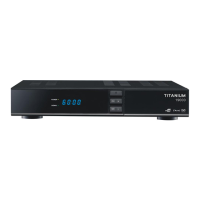
Load User Data
In case you make a factory default, or you delete
the channel list by mistake, enter this menu, you
can load the STB data for which you already
saved from flash to your STB


 To Next Page