4.3 SETTINGS
Here you can setup TV output and Video output according to the standard of your
country.
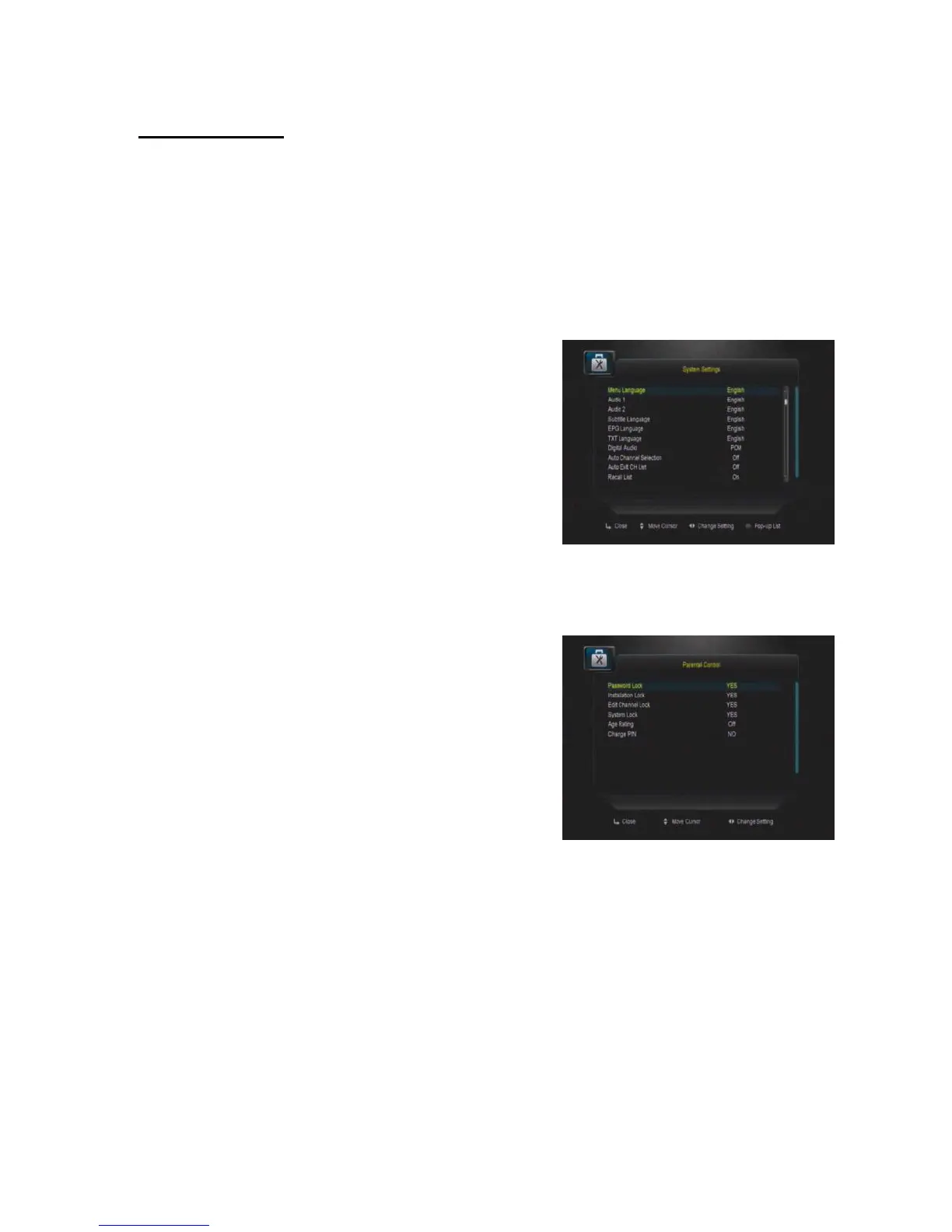
System Settings
In this menu, you can choose MENU LANG, set
AUDIO LANG, setting Digital Audio, menu
transparency, TXT transparence, Display MODE,
TV Type, SCREEN MODE, SCART OUTPUT
etc… all in this menu
Parental Control
In this menu, you can set the password to
Installation, Edit Channel, System, and also you
can change the password, this is for the purpose
of children misplaying with your STB.


 To Next Page