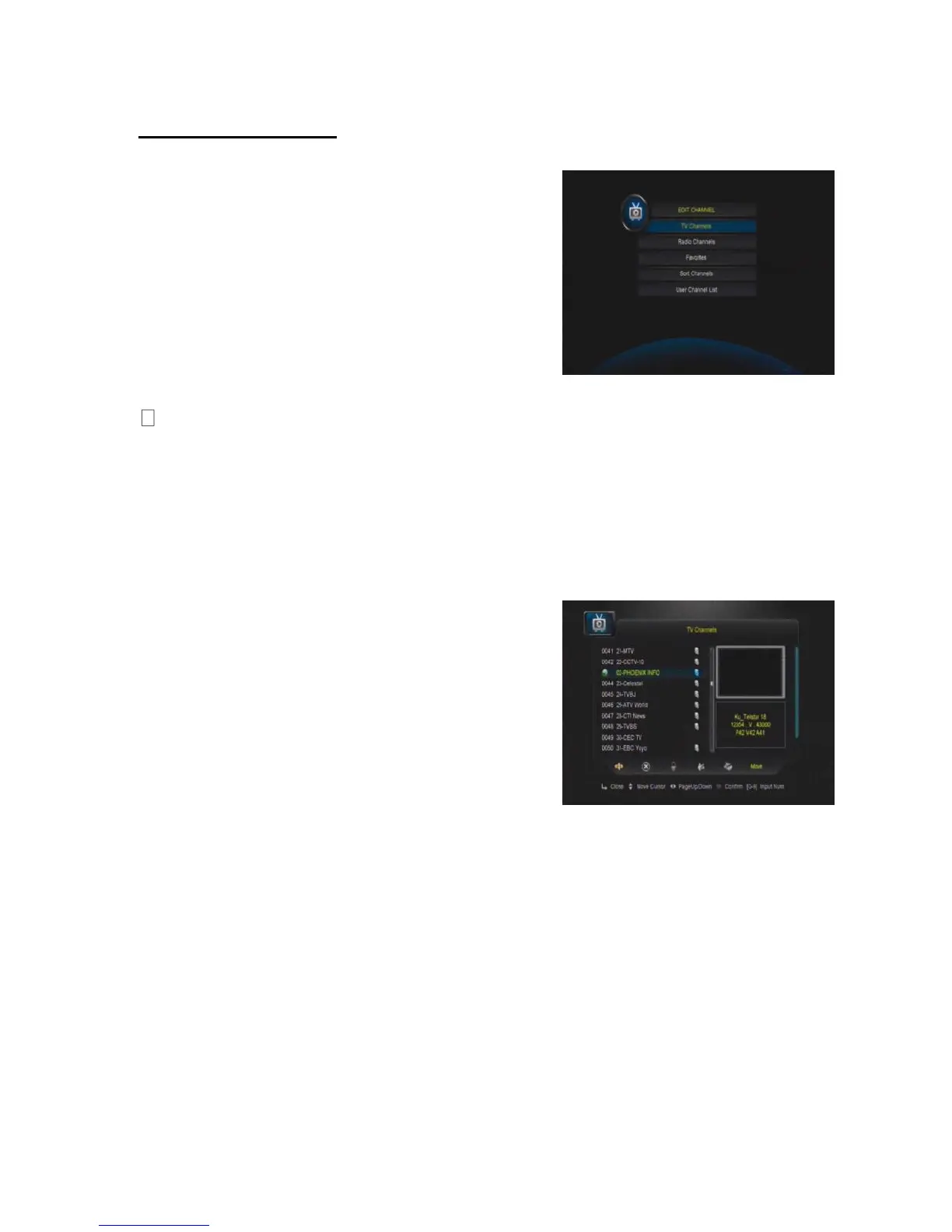
4.2 EDIT CHANNEL
In this menu you can set program edit like delete,
lock, rename, move and swap the selected
channel, set FAV and so on.
TV Channels
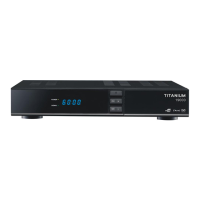
Here you can Select Channel, Delete Channel, Skip Channel, Move Channel, Lock
Channel. Select TV Channels, you will get this window.
Move
Press OK to select the channel you want to move,
and move to the position you like, or just input the
numeric key, the channel you selected will move
to that position
Delete
Here you can delete the channel you choose, and press OK to select and press again
OK to confirm delete
Lock
Here you can lock one channel, press OK to input password, and you can have a
channel with locking.


 To Next Page