4.4 TIMES
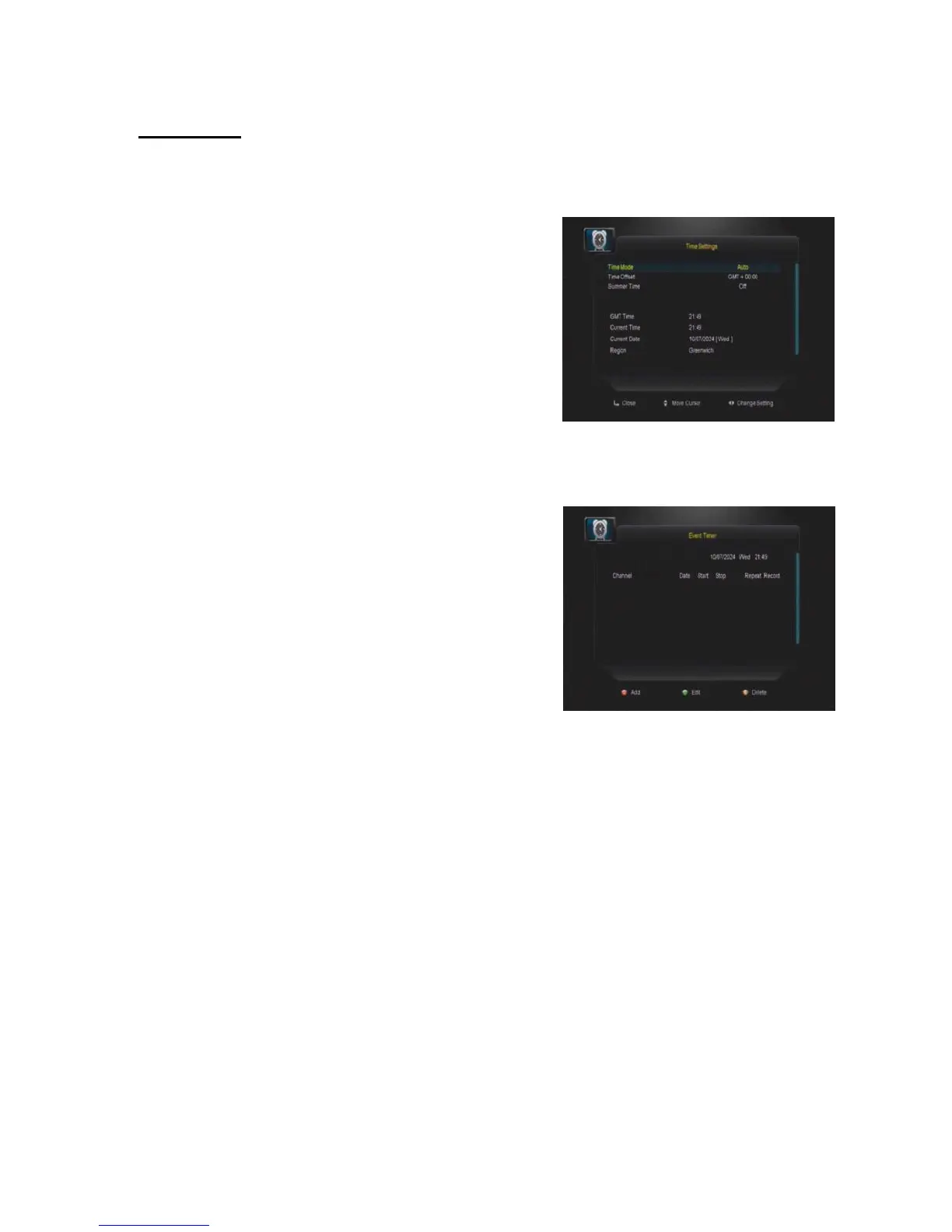
Time Settings
In this MENU, you can change the TIME MODE
and setting time manually, or adjust GMT time.
The default time setup is auto, but you can select
manual and input manually, select the time zone
of your country and you will get the correct
current time which is based on TDT (Time and
Data Table) in the stream of the current channel service.
Event Timer
In this menu, you can set up the timer for event
you have selected, so the STB will change the
channel you already set up when the event time
is on due.
Sleep Timer
In this menu, you can set the sleep timer 15min, 30, 45, etc.. 120min, so that the STB
will power off automatically on time.
Standby Hour
In this menu, you can set the standby hours of your STB, so that your STB will power
off automatically on time.


 To Next Page