Rename
Select channel that you want rename from channel list, press F1 button, then using
the UP/ DOWN /LEFT /RIGHT keys to select characters which you want to edit. Press
OK to confirm your selection. In this menu, you can set the word with the extend. Caps
on or off.
Swap
You can select the channel that you want to swap from the channel list, press F2
button, you will be asked to swap the channel to put where, input the destination
number and press OK. Then you can swap one channels from one position to
another.
NOTE: Radio Channels operation similar to the above
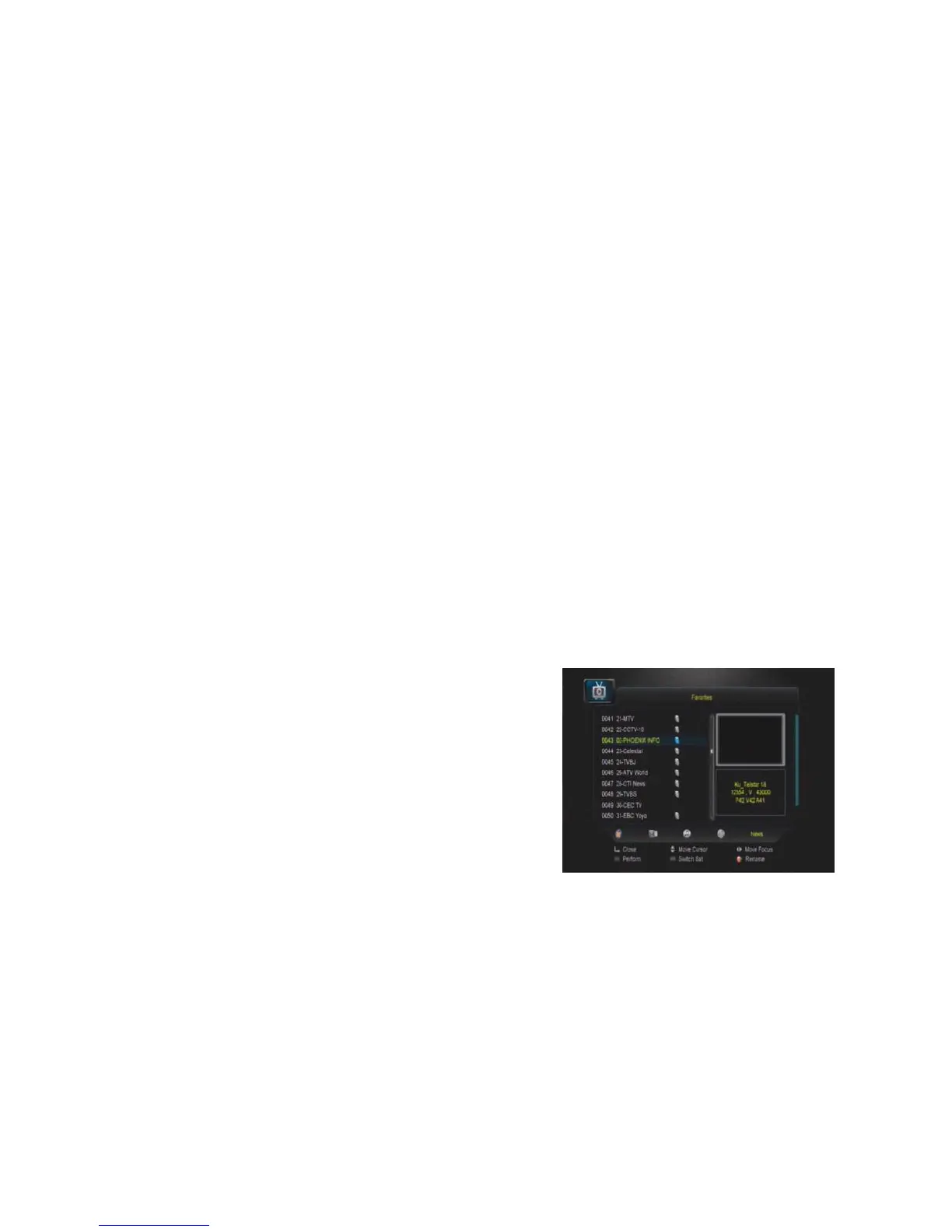
Favorites
Press MENU button, here you can sort the
channels in different type, such as news, movies,
music, sports, Using the UP/DOWN keys select
any sort press OK, then you can set the channels
FAV type by pressing FAV key.
NOTE: Radio favors operation similar to the
above.


 To Next Page