25
Setting up the laminator
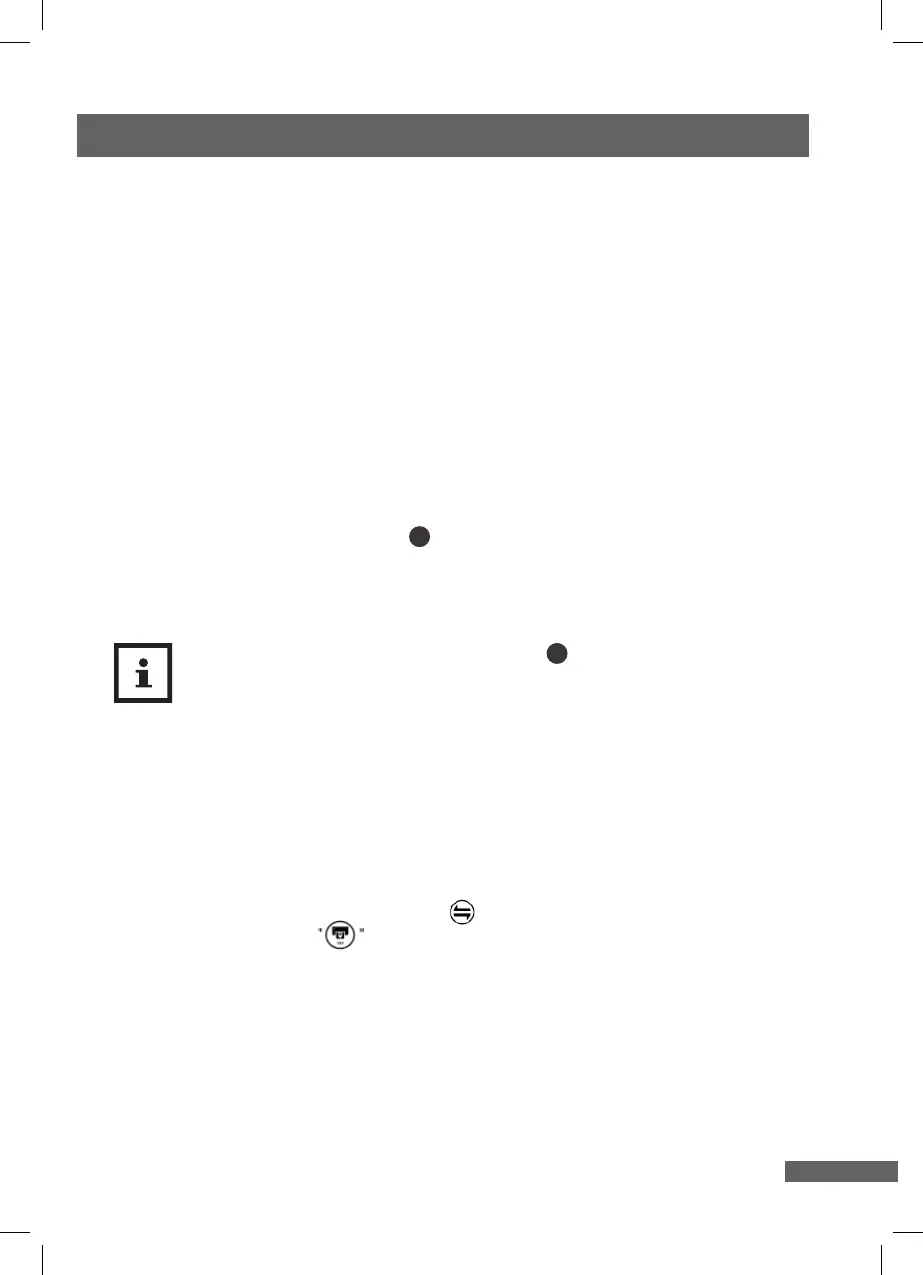
1. Position the laminator so that there is enough space to insert a laminating pouch.
Do not position the laminator directly in front of a wall or other objects.
2. Connect the mains plug to a properly installed socket with a protective conductor
(230 V = house connection).
Activating / deactivating the laminator
1. Switch the multi-function switch 2 to ” COLD” (I) to switch the laminator on for
cold lamination.
2. Move the multi-function switch to ” HOT” (II) to switch the laminator to hot
lamination.
The READY indicator made of thermopaper 1 will turn from blue to red
once the laminator has reached the correct temperature for hot lamination.
The preheating time may vary depending on the ambient temperature and
air humidity.
2. Move the multi-function switch to “OFF” (O) to switch the laminator o.
1. Take the laminator out of the packaging.
2. Check whether the laminator or the individual parts exhibit damage. If this is the
case, do not use the laminator. Contact the manufacturer at the service address
specied on the warranty card.
3. Check to make sure that the delivery is complete.
Machine protection function
1. The machine install with the sleeping function, when the machine does not working
more than 30’, machine will stop heating anymore, motor will also stop running, and
ready indicator light ashes slowly. If want to wake up the machine, just by touching
the operation panel or reverse button or you may directly enter the pouches.
Both can be workable.
2. The motor will be in reserved function, when the ready indicator light is ashing. So
the machine can not be working in that time.
3. The operation touch panel will be in locked function when the pouches is (are) in
laminating.
4. The pouch will reverse when press the reverse button. The motor will keep
forwarding when pouch is completely move out.
5. When the machine is suddenly cut o the power during working period, just turn on
the power again, the leaving lm will automatically exit.


 To Next Page