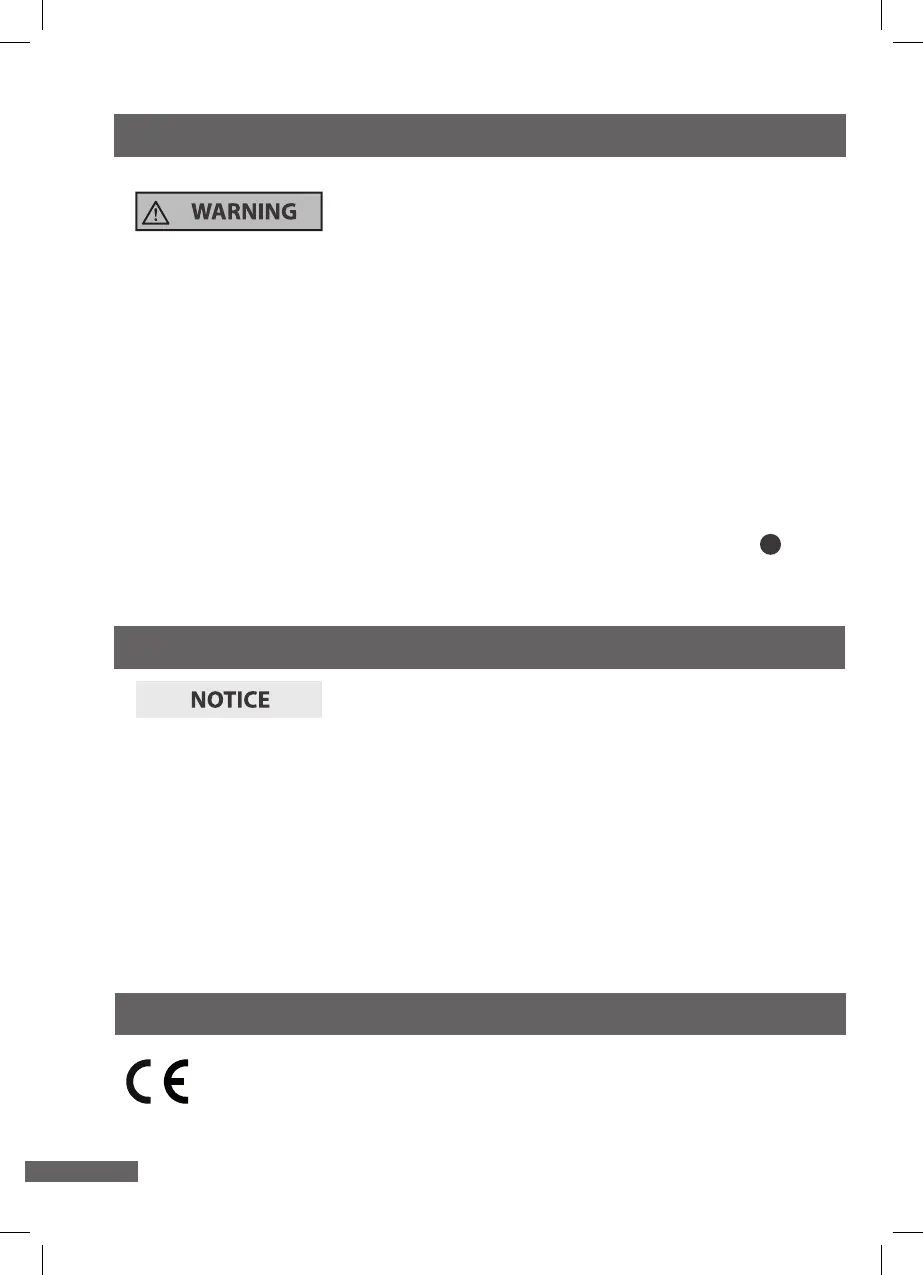
28
1. Disconnect the mains plug before cleaning.
2. Let the laminator cool o completely.
3. Use a damp cloth to wipe o the laminator. Let all parts dry completely afterwards.
6. Utilizzo
8. Storage
− Only stow the laminator if it is dry.
− Always store the laminator in a clean, dry area that it is protected from direct
sunlight and is not accessible for children.
− Use the original packaging for storage.
Risk of damage!
Water that has penetrated the housing may cause a short circuit.
− Never submerge the laminator in water.
− Make sure that no water penetrates the housing.
Cleaning the heating rollers
1. Switch the laminator on.
2. Fold a sheet of paper and insert it, folded-edge rst, into the pouch infeed slot 2
3. Keep repeating this process until no more glue deposits cling to the paper.
Risk of damage!
Improper storage of the laminator may result in damage to the laminator.
− Never store the laminator next to a heat source.
− Do not fold or kink the mains cord.
8. Declaration of conformity
The EU declaration of conformity can be requested from
the address specied on the warranty card (at the end of this user
manual).


 To Next Page