9
Reader configuration file:
A by the Hardware Controll Applet generated reader file which determines the exactly configuration. This can
be distributed central through iProtect.
• Create reader configuration file
• Upload the file per line
Detailed information can be found in the manual: TKH_Security_HardwareControllApplet.
Configuration card:
A customer specific card which can be ordered by TKH Security which writes down the configuration into the
card reader.
• Connect the card reader
• Switch on the power. The card readers LED turns into BLUE
• Present the configuration card and wait until the card reader restarts.
• The card readers LED turns into RED. The configuration is complete
4.2 Sticker
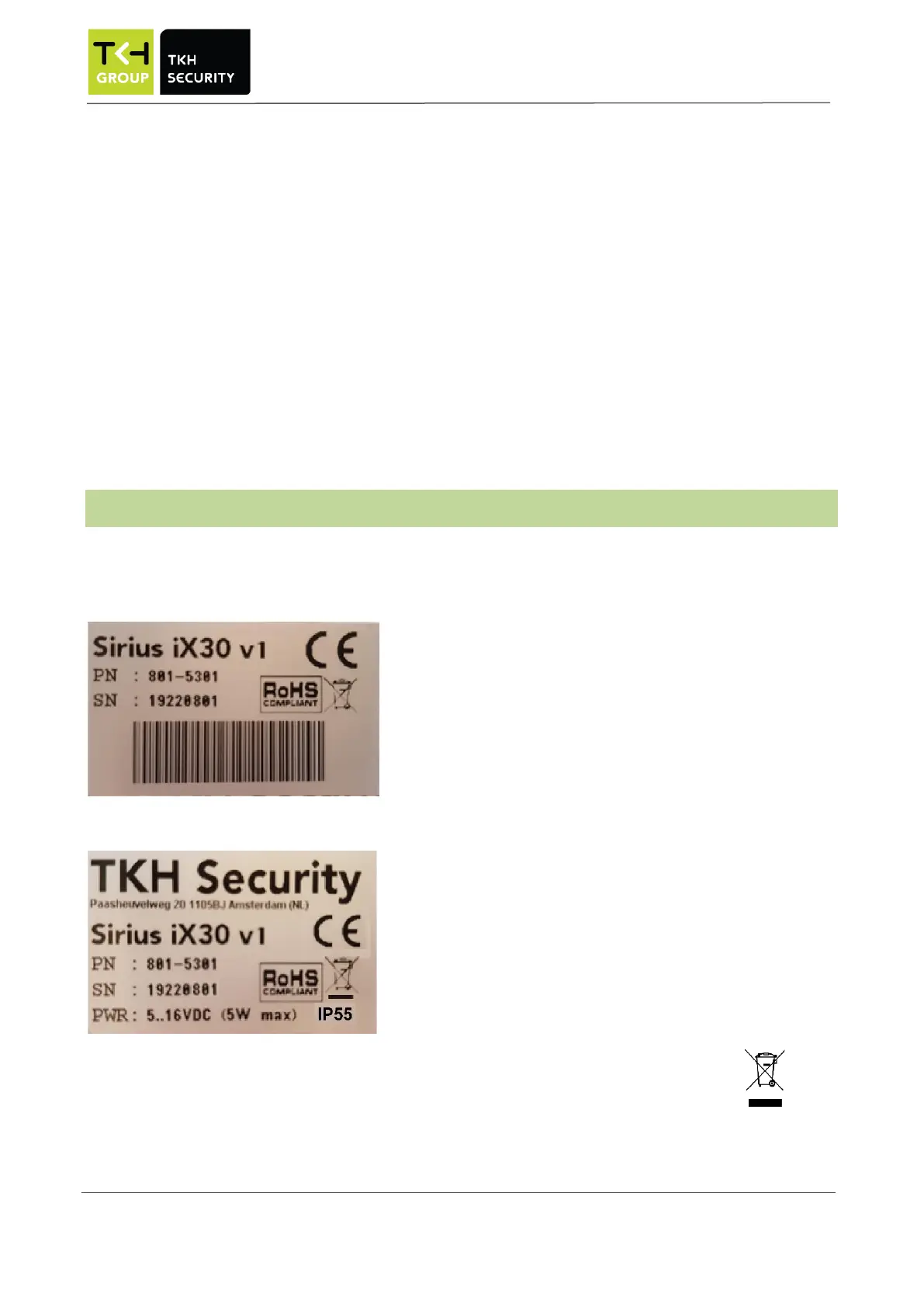
The Sirius iX30 is provided with two stickers:
at the carton:
at the reader:
Disposing of the Sirius iX30 card reader must be done in an environment friendly surrounding


 To Next Page