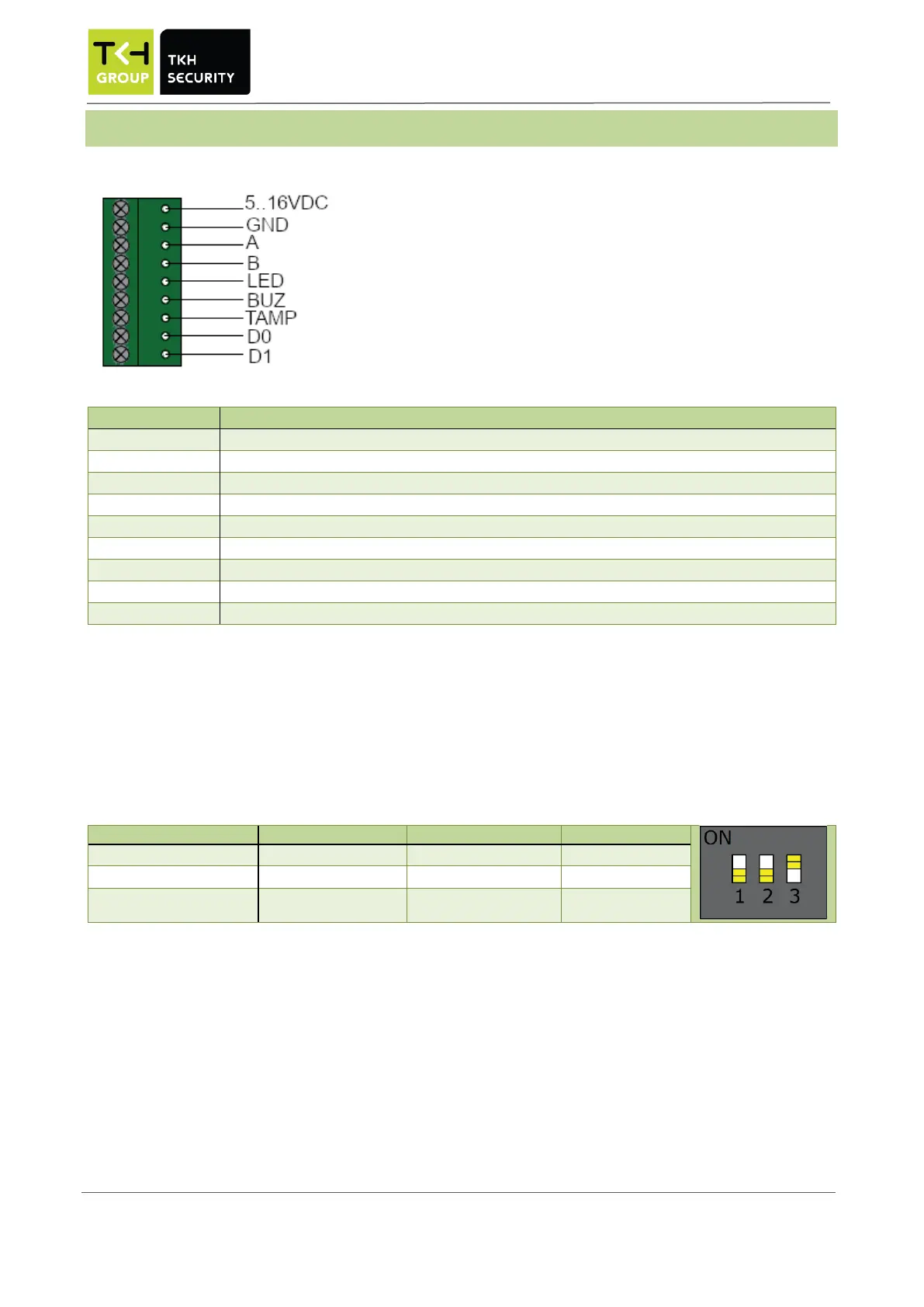
*The Sirius iX30 accepts a power between 5.0 and 16.0 VDC. A higher input voltage results in lower power
consumption and ensuring cost-efficient wiring with a smaller conductor diameter. When using an external
power supply, it must comply with SELV guidelines.
Advised to power the reader with a power supply that can supply a minimum of 5W to a maximum of 15W. If
the reader is powered by a power supply with a power higher than 15W, a fuse of 500mA must be placed by
the installer.
DIP Switch-1 is used to determine the RS485 resistance.


 To Next Page