9
7.3. Changing the Directivity Angle to 60° Mode
Optional brackets are required to change to 60° mode.
Select the brackets that correspond to the speakers to be used.
Speaker system Angle adjustment bracket (optional product)
HX-7B HY-60DB
HX-7W HY-60DW
HX-7B-WP HY-60DB-WP
HX-7W-WP HY-60DW-WP
For the mounting method of the angle adjustment bracket, refer to the bracket’s instruction manual.
8. USING THE SUPPLIED SUSPENSION BRACKETS (HX-7B and HY-7W only)
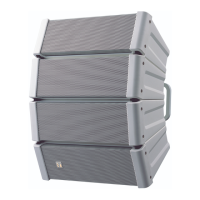
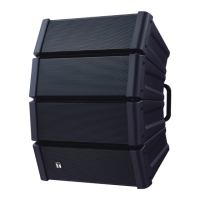
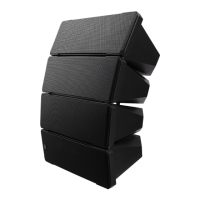
The HX-7B and HX-7W speaker systems can be suspended in either vertical or horizontal orientation using the
supplied suspension brackets.
Before mounting the suspension brackets, lay out a protective sheet, corrugated cardboard or other soft material
onaatsurface,andperformallworkonthespeakerwithitsfrontbafefacingdownward.
• Tightentheboltssecurely,asinstructedbelow.
Failure to follow instructions precisely could result in a falling speaker
and potential personal injury.
· Ensure that all bolts are securely inserted as far as their threads go,
then securely fasten each bolt with a nut.
· Tighten all the bolts with the designated tightening torque.
For tightening, use a Phillips screwdriver, or open- or box-end wrench.
• Owing to the speaker’s size and weight, be sure that at least two
personsareavailableforyinginstallationofthespeaker.Failuretodo
so could result in personal injury.
WARNING
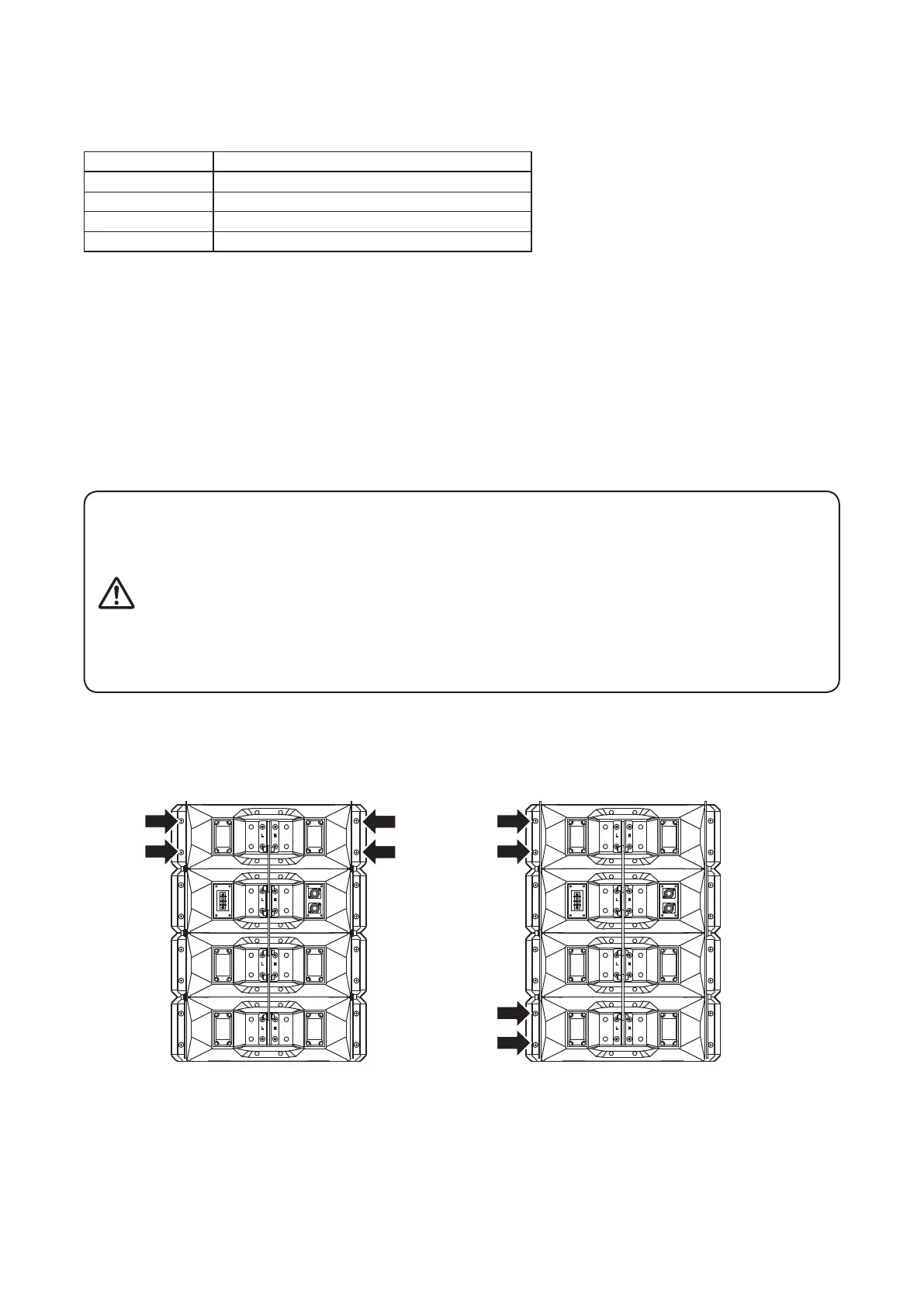
Step 1. Detachthesideangleboltsindicatedbythearrowsinthegurebelow.
The bolts to be detached defer depending on the speaker’s vertical or horizontal suspension orientation.
[Vertical suspension] [Horizontal suspension]
Note
The bolts on the opposite side of the speaker system can
also be detached for suspension bracket attachment.


 To Next Page