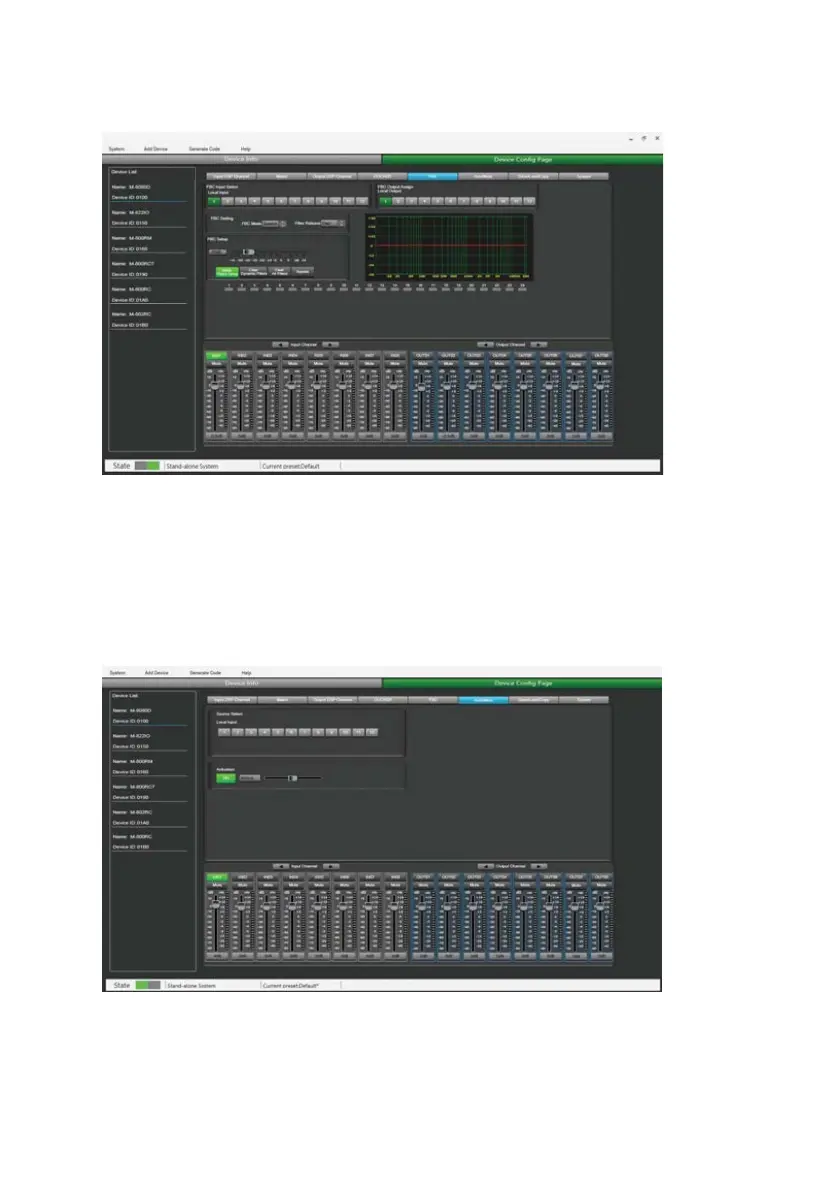
Function Example:
Turn on local input / output 1. The corresponding input signal is sent to the FBC module for processing,
and the corresponding button is lit to output the signal after FBC processing to the corresponding output
channel. Click "Static Filter Setting" to enter the static filter setting mode.
Set the volume of all input channels to the required level and turn on the microphone. Manually gain FBC
until howling occurs, in this mode the FBC module will automatically use a static filter. (Static filter
indicator is red)
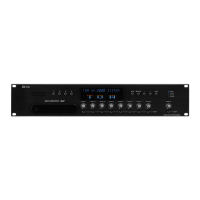
7.6. AUTO MIXER
The Auto mixer automatically controls the gains of multiple microphones in real time, dramatically
reducing feedback, noise and comb-filtering from adjacent microphones. It maintains a consistent system
gain, even when multiple speakers are talking simultaneously, and makes perfectly matched crossfades,
without any signal compression.
22



 To Next Page