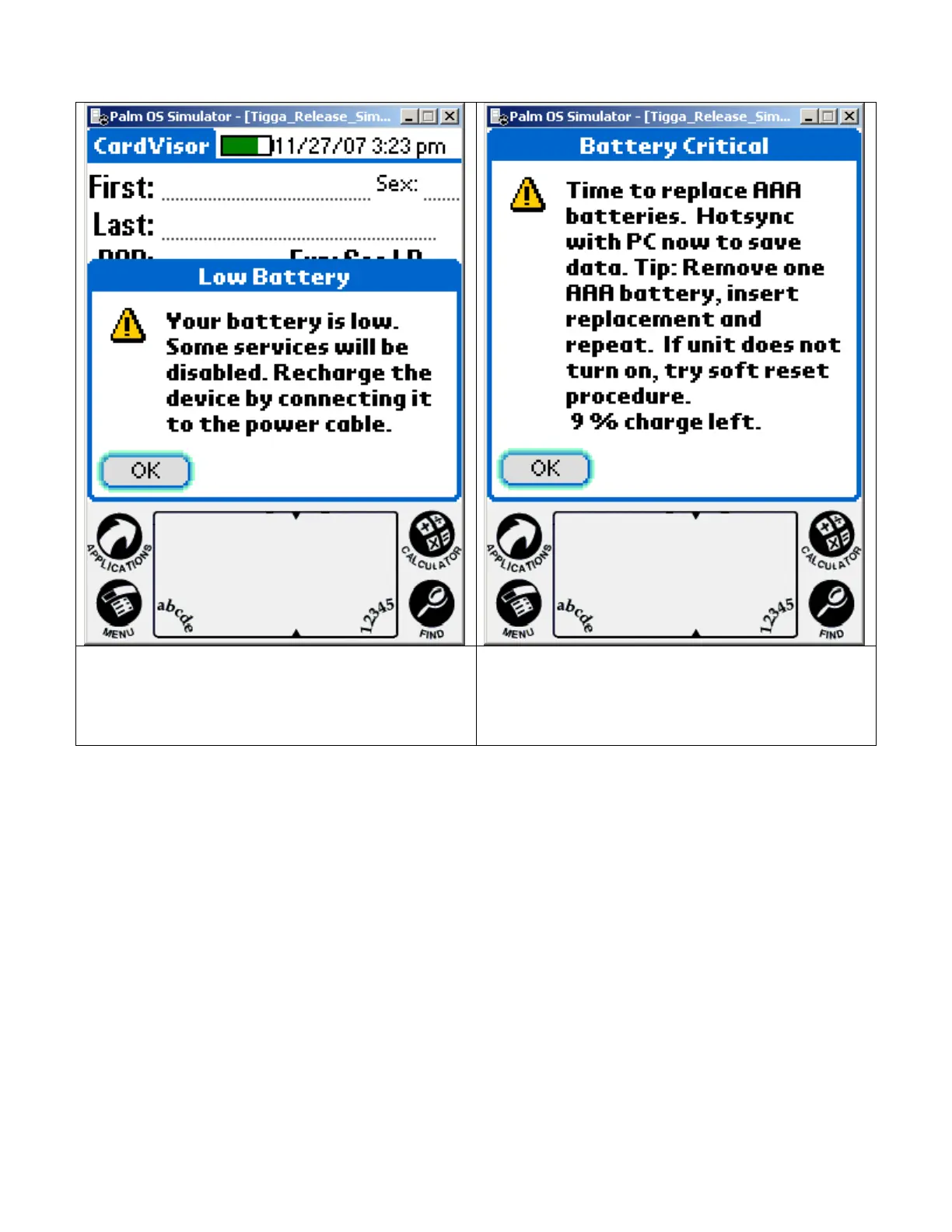
If the batteries become low, an alert appears on the handheld screen describing the
low battery condition. If this alert appears, reconnect the unit to power as soon as
possible.
Alert when battery drops below 20% Alert when battery drops below 10% -
Ignore instructions to replace AAA
batteries. This applies to another version
of product.
A fully charged unit will scan 6000 licenses, which is more than enough to last one
evening. As a rule of thumb, return the unit to the charger at the end of the
night/shift or leave it plugged in all the time. The batteries will NOT over charge.
Note: The Green Ready LED on the bar code scanner will always turn on when
external power is supplied regardless if the red scanner power button is on or off.
Note: When connected to external power the ID scanner display will not
automatically power off so that it is always ready to scan.
IDvisor Hardware Manual Page 10 of 38



 To Next Page