About This Document
This document describes how to use the IDvisor
®
ID hardware – the first part of the
manual focuses on hardware and the later part on the built in software.
This document should be used in conjunction with the Palm Z22 user manual (on the
Palm CD or available on-line at Palm.com), and the
CardVisor Software User manual
that details installation and use of PC data transfer software.
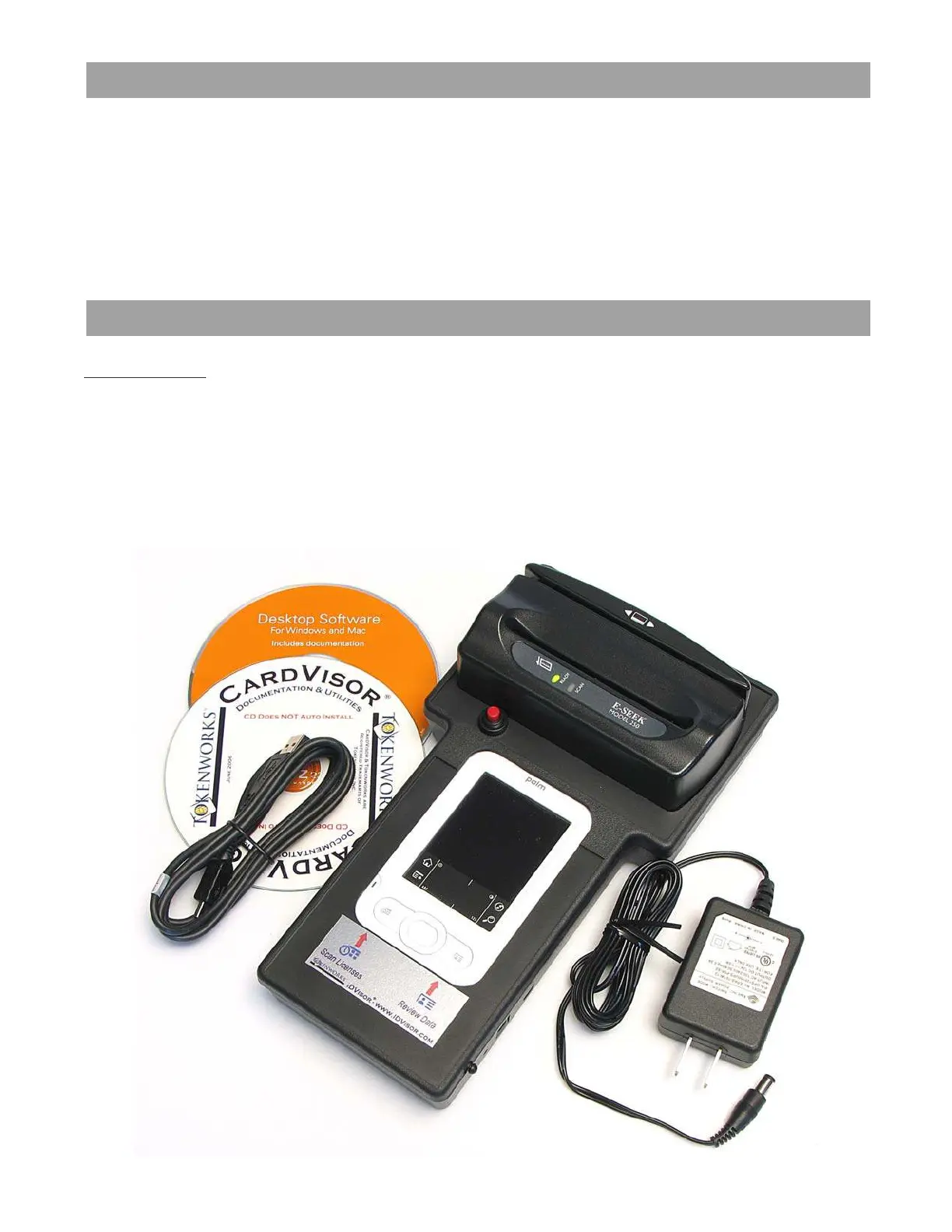
What’s in the box
Mobile Version
1. IDvisor
®
ID Scanner with CardVisor
®
software installed in memory.
2. USB Hotsync™ cable
3. AC Adapter – 12 Volt, 1 Amp DC output.
4.
Orange Palm CD - Palm Desktop software and HotSync Manager
5. TokenWorks
®
White CD with User Manuals and VIP/Banned list utilities
6. Printed Software and Hardware User Manuals
IDvisor Hardware Manual Page 2 of 38



 To Next Page