HotSyncing
To HotSync the data, you must first install the Hotsync software on the Orange Palm.
See the CardVisor Software User Manual for step by step instructions.
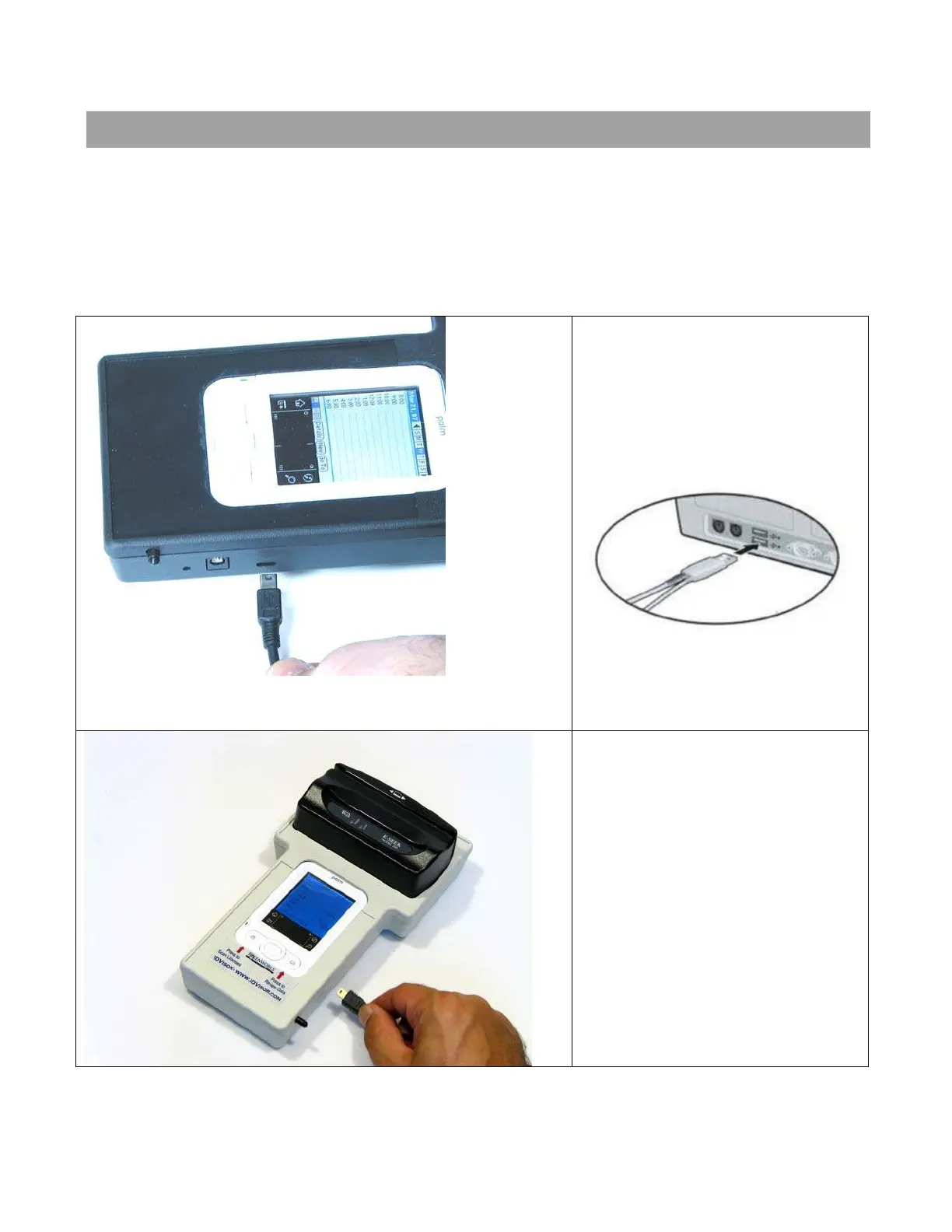
Shown below is how to connect the handheld to the charging HotSync cradle, after it
is removed from the bar code reader cradle.
Connect the Mini USB connector to the IDVisor.
Connect the USB cable to the
USB port on the back of the
computer.
IDvisor Hardware Manual Page 28 of 38



 To Next Page