EasyManua.ls Logo

Tokenworks IDvisor Mobile - User Manual

Tokenworks IDvisor Mobile
38 pages
Print Icon
To Next Page IconTo Next Page
Loading...
IDvisor
®
ID Scanner
Hardware User Manual
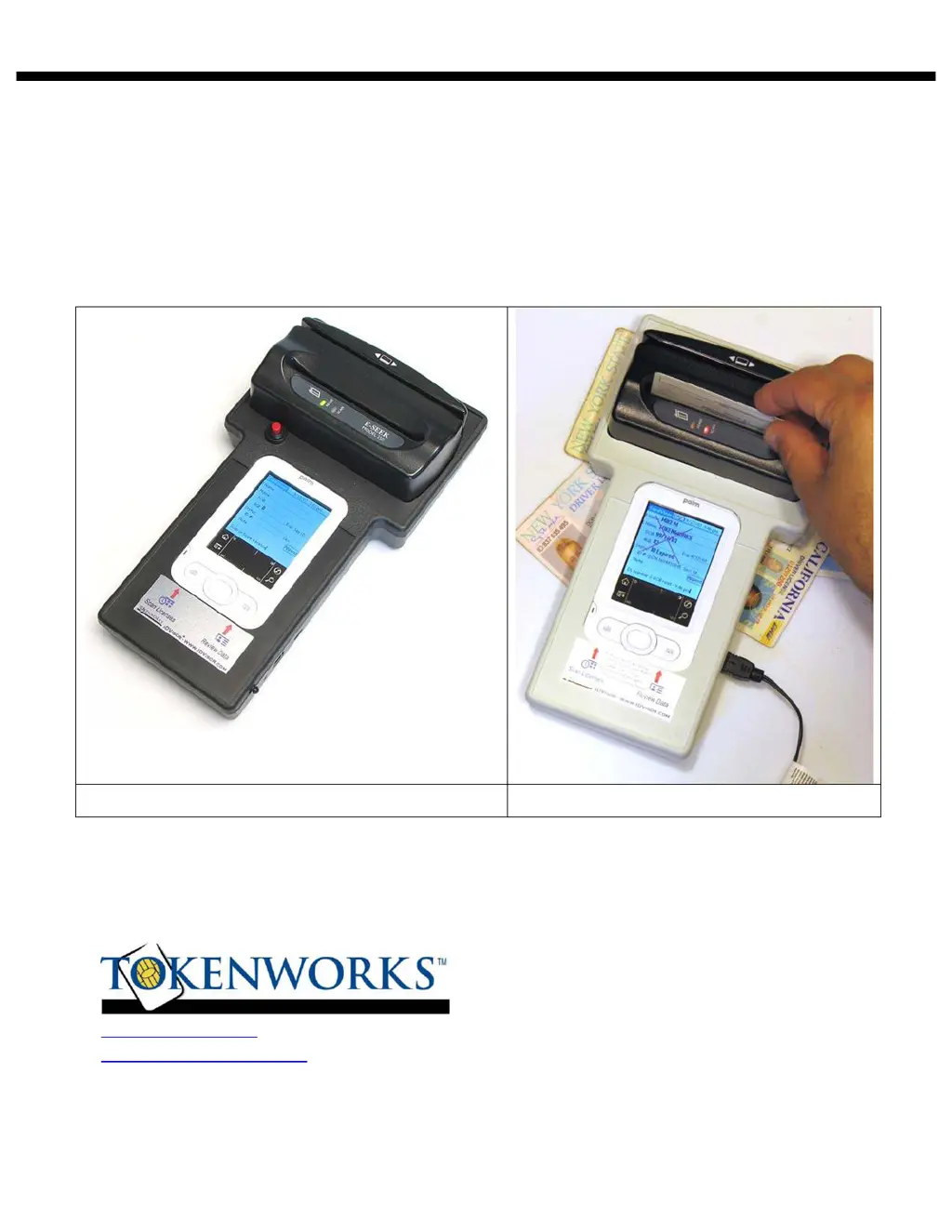
Mobile Counter Top
3511 Silverside Rd, Suite 105
Wilmington, DE 19810
Phone: (800) 574 5034
www.IDvisor.com
- Product Information Support@TokenWorks.com
www.TokenWorks.com
- Company Information
Revision: 1.2 January 2010

Other manuals for Tokenworks IDvisor Mobile

Questions and Answers

Summary

About This Document

Whats in the box

Parts Diagram

Mobile Version Components

Identifies key parts of the IDvisor Mobile scanner setup.

Counter Top Version Diagram

Palm Z22 Button & Icon Layout

Power Management

Mobile Version Battery Issues

Explains battery operation, charging, and indicators for the mobile unit.

CounterTop Power Management

Scanning a Drivers License

Mobile Version Setup;Operation

Details the process of scanning licenses with the mobile unit.

CounterTop Setup; Operation

Scanning Tips

Tips on scanning 2 D Bar Codes

Provides advice for successfully scanning 2D barcodes on licenses.

Swiping a Magnetic Card

Offers instructions for correctly swiping magnetic stripe cards.

CardVisor Application Setup

Button Association

Explains how to link device buttons to specific applications.

Non-Volatile Memory

Describes the function and benefits of non-volatile memory for data.

Setting Date and Time

Main Screen Overview

Graffiti Area Functionality

Describes the function and usage of the device's graffiti writing area.

Options Menu Configuration

Age Thresholds and Alarms

Explains how to set age limits and configure alarm events.

Age Threshold and Alarm Settings

Memo Pad Usage

Parsed License Data

Details the structure of parsed license data within the MemoPad.

Protecting Scanner Data

Data Visibility Options

Illustrates how transaction data appears when visible, masked, or hidden.

Appending Notes to Scan Data

Notes via MemoPad

Explains how to add notes to scanned data for enhanced analysis.

Adding Notes to License Data

Palm Shortcuts for Note Entry

Explains how to use shortcuts for faster note entry.

Defining a Palm Shortcut

Anti Card Pass Back Feature

Anti Pass-Back Database Management

Explains how the Anti Pass-Back database is managed and deleted.

HotSyncing Data

Maintenance and General Care

Resetting the Handheld

Performing a Soft Reset

Details the procedure for a soft reset to restart the handheld.

Performing a Hard Reset

Trouble Shooting

Copyright Information

Limited Warranty Terms

Age Verification Calculation Limitations

Privacy Laws and Regulations

Graffiti Input Method

Checking IDs for Age Verification

Cross Check ID Data

F.E.A.R. Carding Method

Outlines a method for checking IDs by Feel, Examine, Ask, Return.

Tokenworks IDvisor Mobile Specifications

General IconGeneral
BrandTokenworks
ModelIDvisor Mobile
CategoryCard Reader
LanguageEnglish