Setting Date - Time
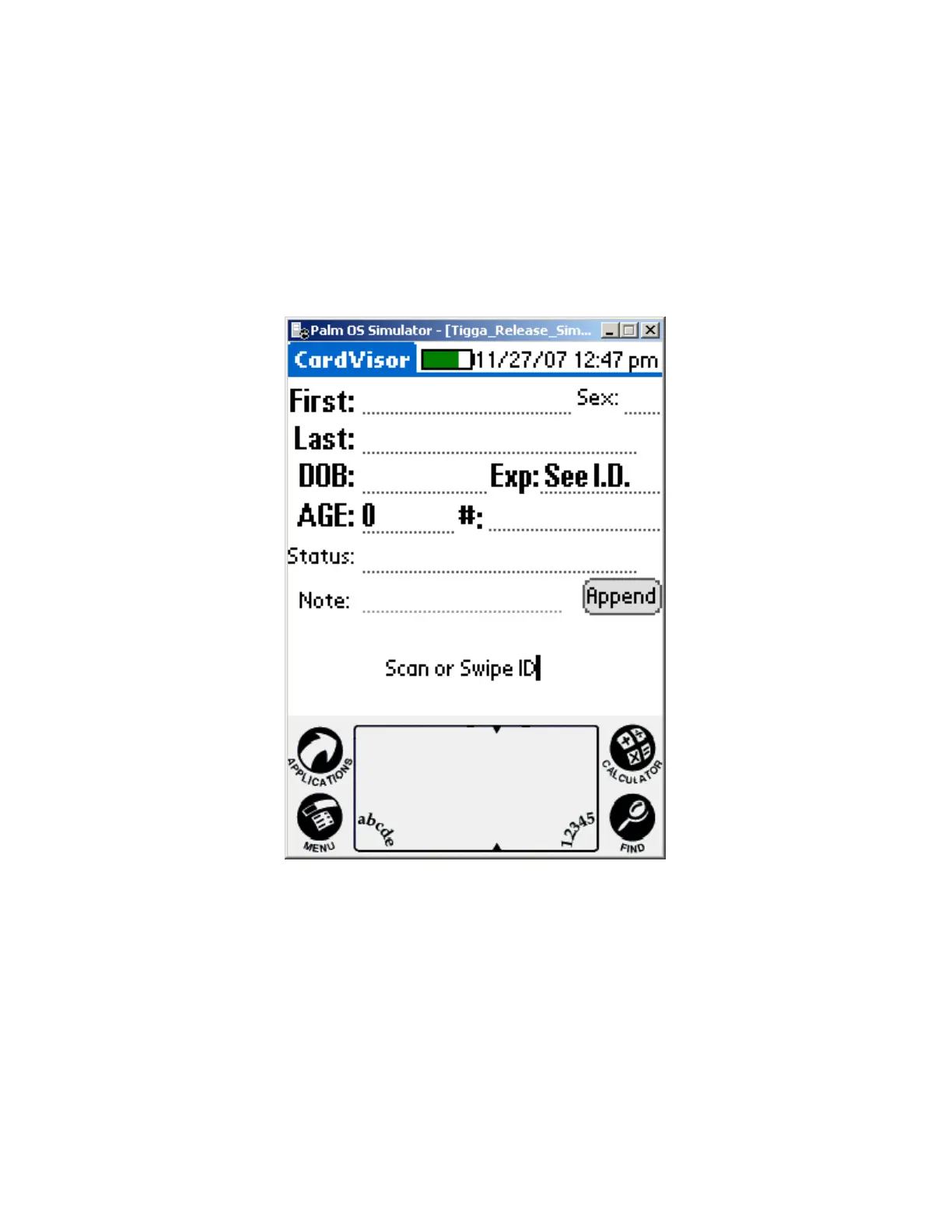
It is VITAL to check the date and time displayed in the top right corner of the screen.
If the date is not correct, then the calculated age will be incorrect! To set the
date/time, click on the clock Icon that is in the graffiti area (see Palm Z22 Button &
Icon Layout in previous section). Tap on the box, which contains the date or time,
and then follow the prompts to change. Details also provided in the Palm Z22 User
guide.
Make Sure Date & Time at the top right corner of the form is
correct. It will update on each swipe/scan.
Note: Only version III and IV have the Notes Field
IDvisor Hardware Manual Page 16 of 38



 To Next Page