29
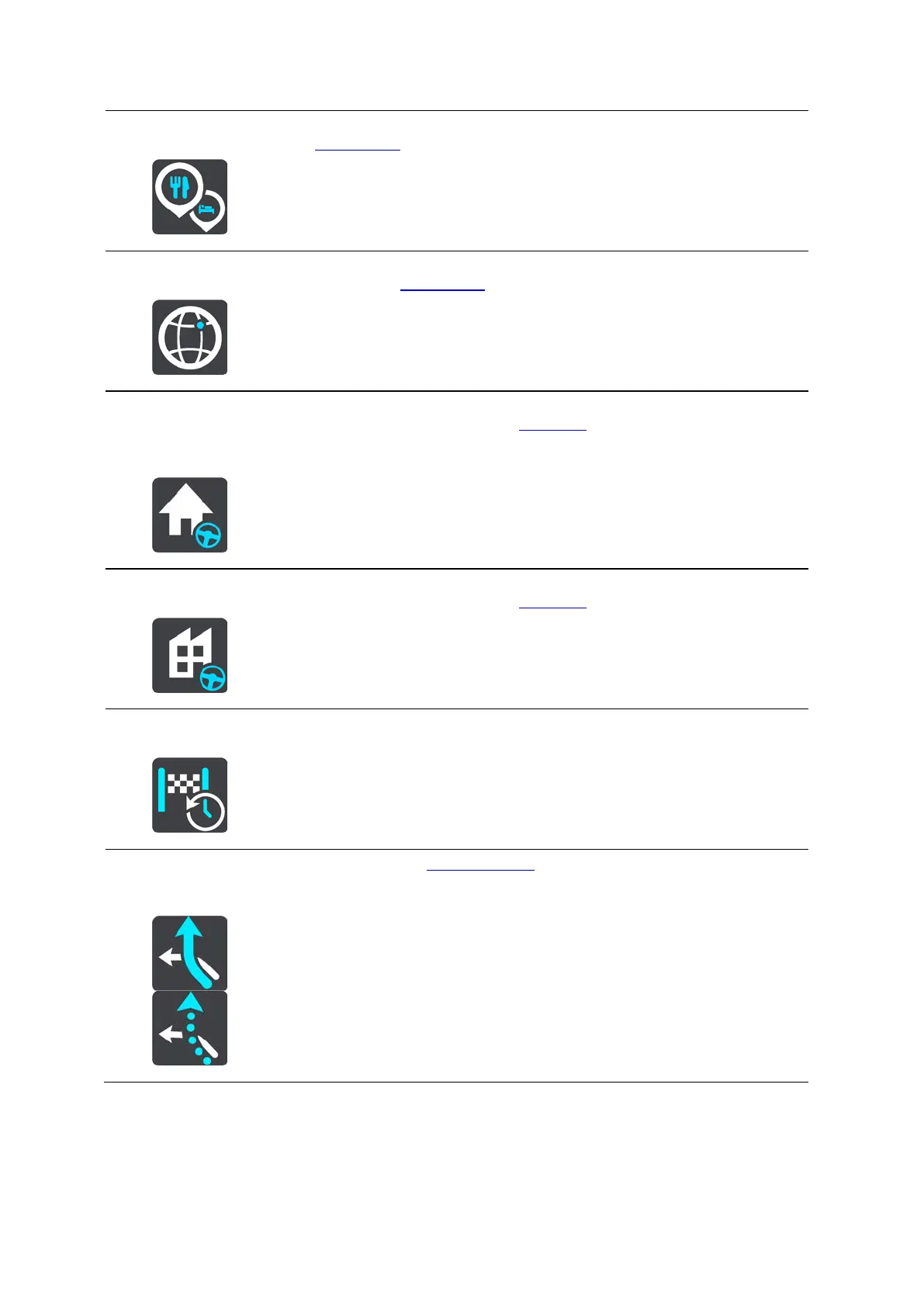
Point of Interest
In the Drive To menu, select this button to search for a point of interest,
then plan a route to that location.
Latitude Longitude
In the Drive To menu, select this button to search for a latitude-longitude
coordinate, then plan a route to that location.
Drive Home
Select this button to drive to your home location. If this button is not
included in your Main Menu, go to My Places to set up your home location.
Drive to Work
Select this button to drive to your work location. If this button is not
included in your Main Menu, go to My Places to set up your work location.
Recent Destination
Select this button to open the list of your recent destinations. Select a
recent destination to plan a route to that destination.
Current Route /
Current Track
Select this button to clear or change your planned route or track.


 To Next Page
 Loading...