58
Tip: To cancel a search, select the map/guidance view button in the top right-hand corner of the
screen.
Working with search results
QUICK SEARCH ONLY
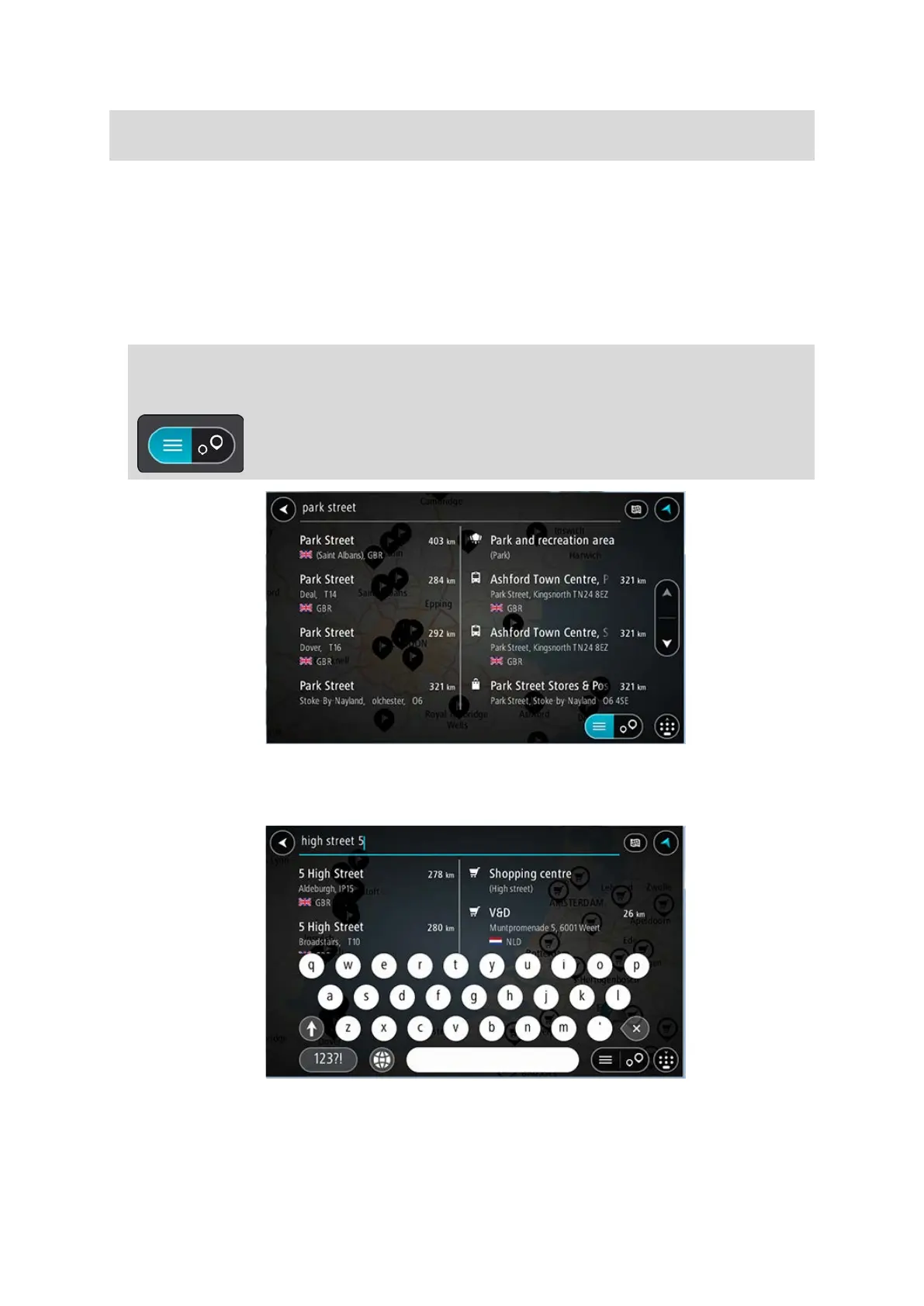
Your search results are shown in two columns.
Address and city matches are shown in the left-hand column, and POIs, types of POIs and Places are
shown in the right-hand column. Recent destinations and saved places are also shown in your search
results.
Tip: To see more results, hide the keyboard or scroll down the results list.
Tip: You can switch between seeing the results on the map or in a list by selecting the
list/map button:
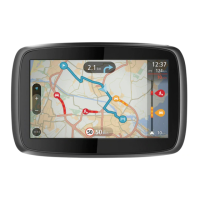
When you select an address from the list of search results, you can choose to show it on the map,
add a crossroad or plan a route to that chosen location. To get an exact address you can add the
house number.


 To Next Page