46
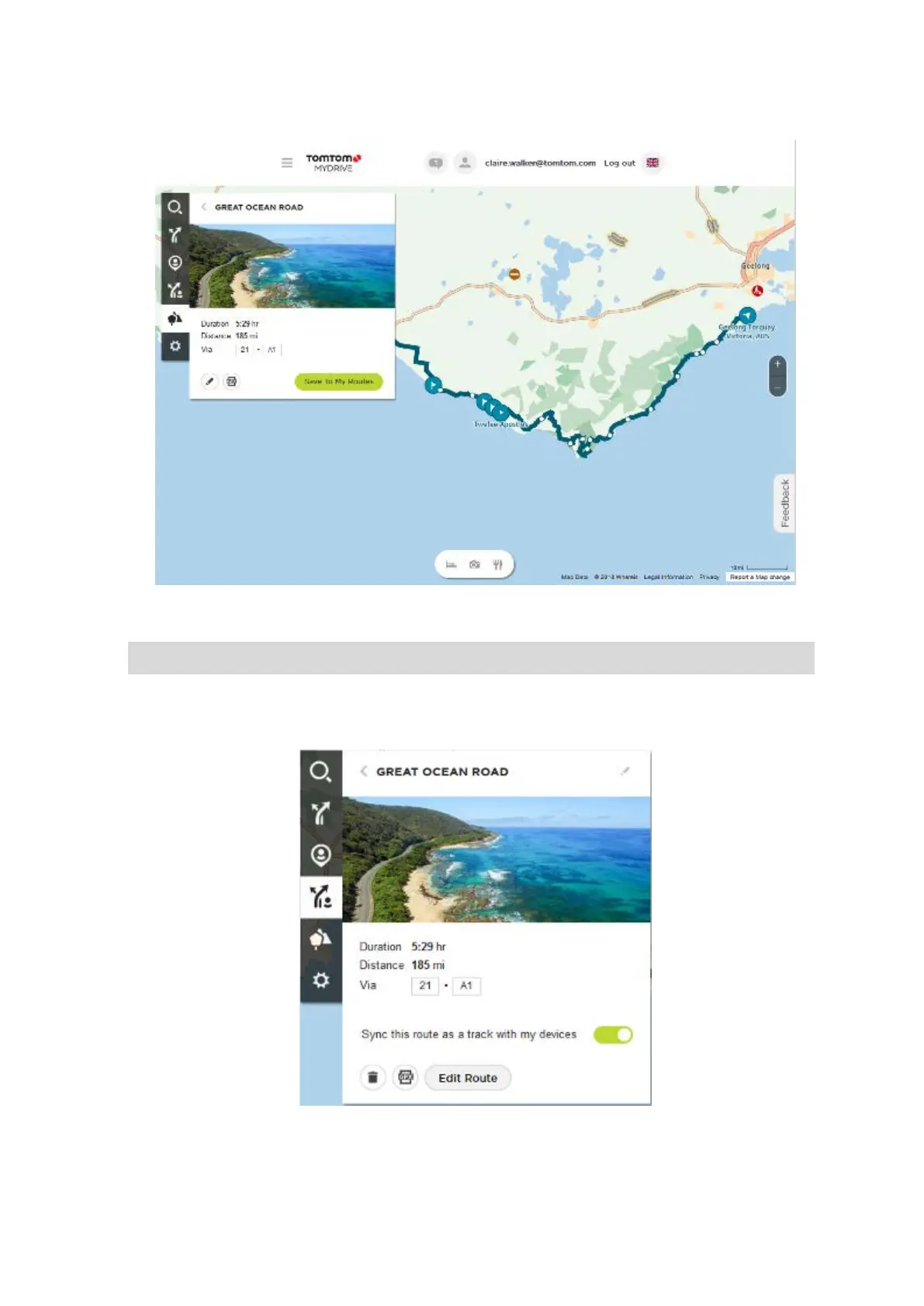
The route is shown on the map together with stops (flags) and start and end points.
Using the buttons at the bottom of the box, you can edit the route, save the route as a .GPX file
or Save to My Routes.
Tip: Click the grey arrow near the road trip name to go back to the previous screen.
4. Click Save to My Routes.
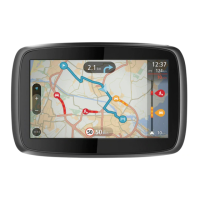
5. To send the route to your device, click on the My Routes icon and click on the name of the road
trip.
6. Make sure that Sync this route as a track with my devices is enabled.


 To Next Page