25
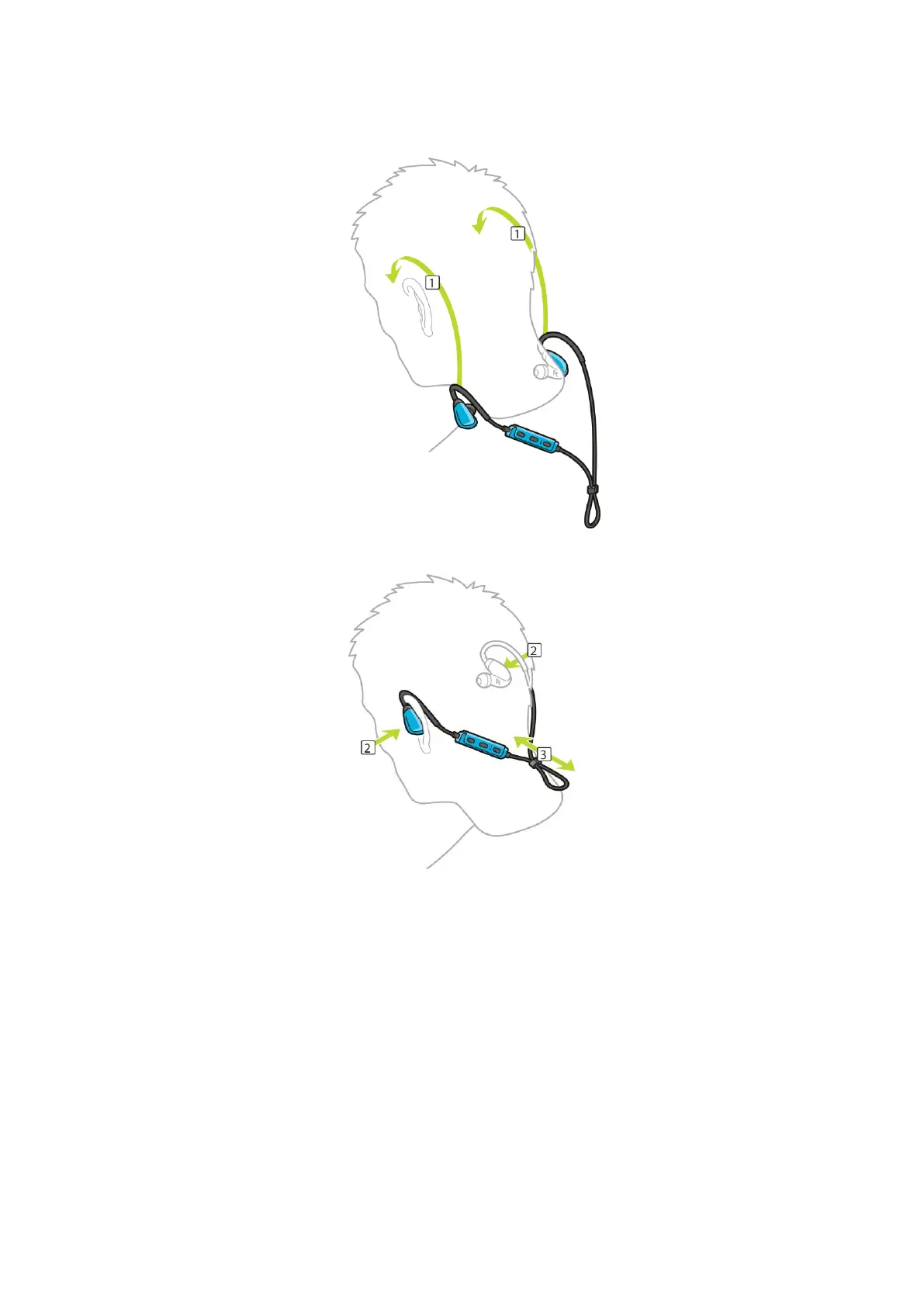
2. Lift the headphones up and over your head from BEHIND so that the cord sits behind your head
and neck. The cables should lie behind your ears as shown below.
3. Fit the earbuds and then tighten the cable to ensure a snug fit.
Putting music on your watch
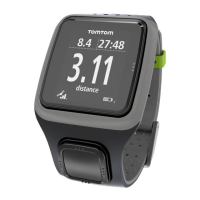
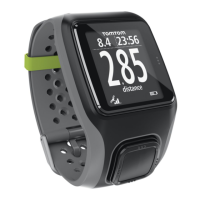
You can store and play music on your TomTom GPS watch and listen to it during your activities.
Your watch supports the following music file types:
MP3
Sample rate: 16KHz to 48KHz
Bit rate: 8 kbps to 320 kbps
Mono/stereo channels and joint stereo.
Artist, track title and length are displayed for the following languages: English, Czech, Danish,
German, Spanish, French, Italian, Dutch, Norwegian, Polish, Portuguese, Finnish and Swedish.
Other languages display correctly if the characters used are available in a supported language.


 To Next Page