23
11. Connect Microscope to Computer
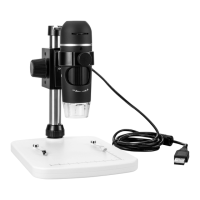
• Connect the microscope USB 2.0 cable (A9) to an available USB 2.0 port on your computer.
• Tidy up the loose cable by clipping it into the USB cable guide (A1).
12. Software Installation
a) Windows
®
• InserttheinstallationdiscintoyourcomputerDVD-ROMdrive.
• Select MicroCapture Plus to install the software, then follow the on-screen instructions to complete the installation
process.
• RunthesoftwarebyclickingtheMicroCapture Plus icon generated on the desktop after installation.
If needed change the display language e.g. Options > Language > English.
b) Mac OS
• InserttheinstallationdiscintoyourcomputerDVD-ROMdrive.
• Find the folder on the installation disc named Mac.
• SelecttheleMicroCapture Plus.pkgle.
• Follow the on screen instructions to complete the installation process.
• RunthesoftwarebyclickingtheMicroCapture Plus icon generated on the desktop after installation.
If needed change the display language e.g. Options > Language > English.


 To Next Page