@ToolkitRC 2021
USB charging
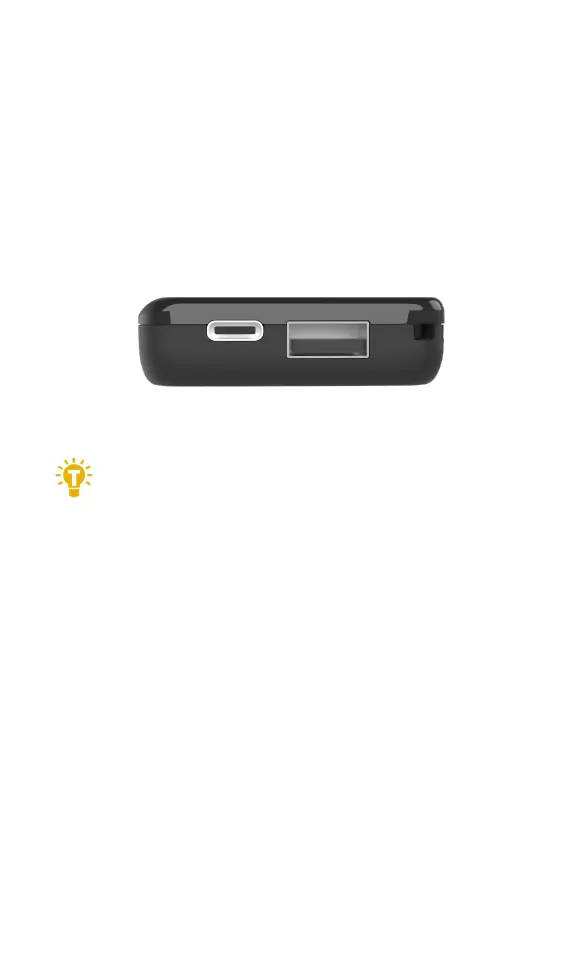
Built-in USB ports allow the user to charge mobile
devices on the go. The USB-A port supplies 5V 1A while
the USB-C port supplies 20W fast charging, using the
following protocols: PD3.0,QC3.0,AFC,SCP,FCP etc.
===================================
1,When charging USB devices, always connect
the balance port. When any individual cell
reaches 3.0V or below, the USB output will stop-
preventing battery damage.
===================================
Calibration
Press and hold the roller while powering on the MC8
to enter calibration mode, as shown below:


 To Next Page