@ToolkitRC 2021
First use
1,Connect the battery to the MC8’s balance port, or
connect 5.0-35.0V voltage to the XT60 input port of the
MC8.
2,The screen shows the boot logo for 0.5 seconds
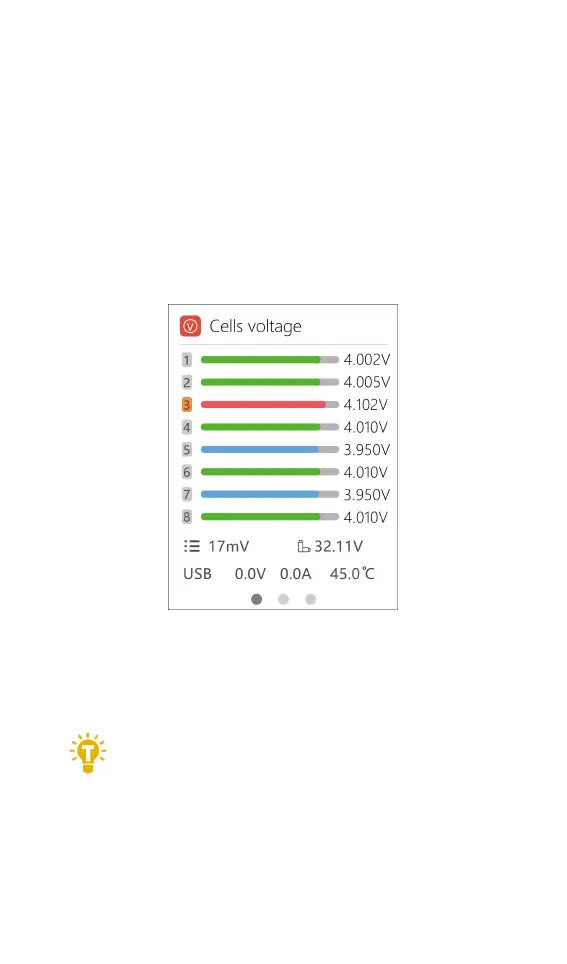
3. After the boot is completed, the screen enters the
main interface and displays as follows:
4. Turn the roller to scroll between menus and options.
5. Short or long press the roller to enter item
6. Use the output slider to adjust channel output.
===================================
1,The scroller functions differently for different
menu items, please refer to the following
instructions.
===================================


 To Next Page