Calling a number in the call list
3.9 Making an internal call to a handset and forwarding a
call to the cordless handset
You can forward a call from the base station to the handset or talk to
the external subscriber and a second subscriber on the cordless
handset at the same time (conference call).
4 Using the cordless handset
4.1 Changing the language
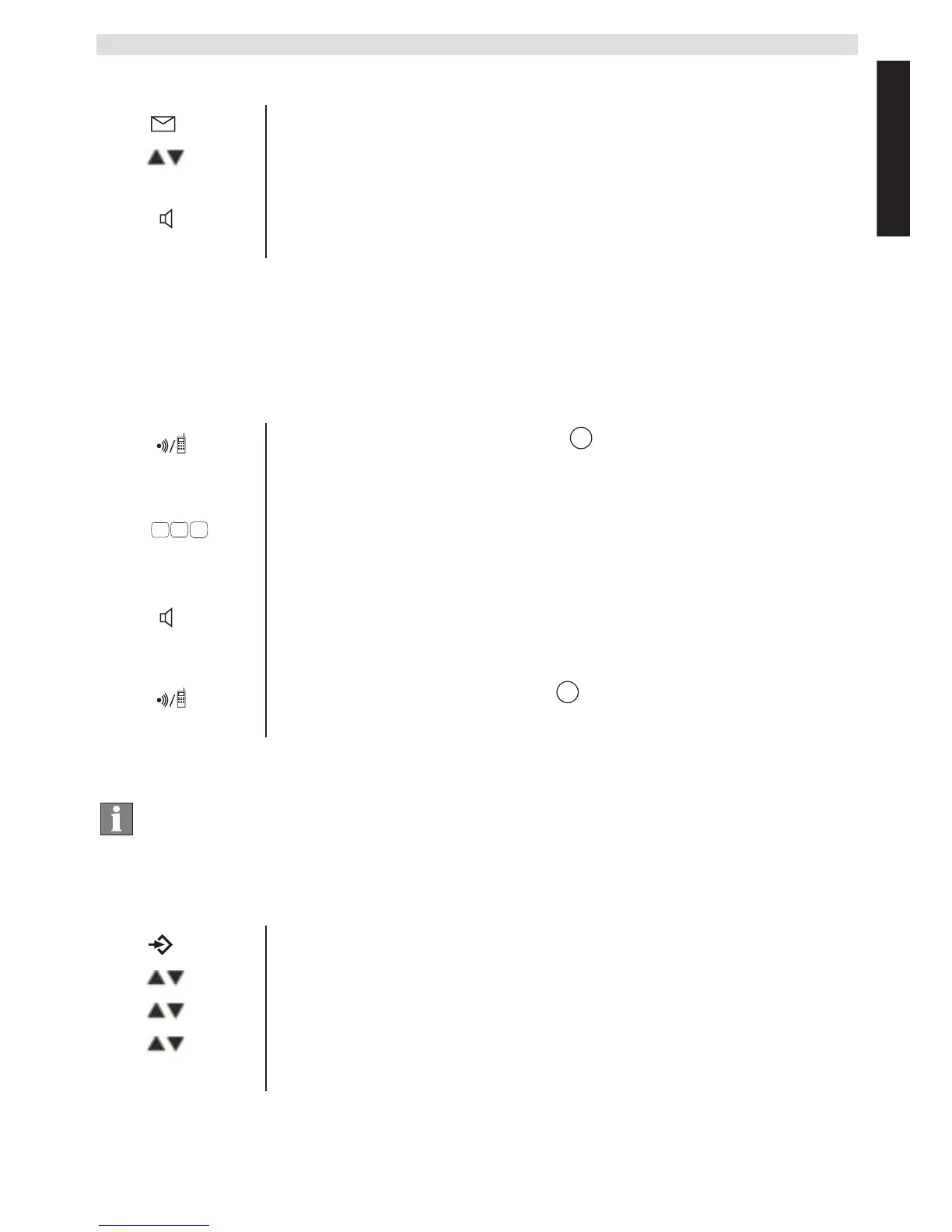
1 Press the calls list key.
2
Press the up and down keys to scroll through the
list.
3
Pick up the receiver or press the hands free key
again to make the call.
1 Hold down the INT key for 3 seconds until you
hear an audio signal, then release the key. "INT"
appears in the display.
2
Enter the number of the handset. Once the call has
been set up with the handset, you can talk
internally.
3
Put the receiver down to transfer the call to the
cordless handset.
OR
4
Hold down the INT key for 3 seconds to set up a
conference call.
Info This section only describes the functions of the
cordless handset! Information on using the base
station can be found in „3 Operating the telephone“.
1 Press the Menu / OK key.
2
Select
"HANDSET"
and confirm.
3
Select
"LANGUAGE"
and confirm.
4
Select the desired language and confirm.
5
Press the Esc key to return to standby mode.



 To Next Page