Editing the name and telephone number
Deleting one entry or all entries in the phone book
3.7 Abbreviated dialling keys
You can store 3 direct abbreviated numbers M1, M2 and M3 (each up
to 24 digits) in the base station.
Saving direct abbreviated dialling numbers (M1 - M2 - M3)
3
Select
"NEW ENTRY"
and confirm.
4
Enter the name and confirm.
5
Enter the telephone number and confirm.
6
A confirmation tone is now sounded.
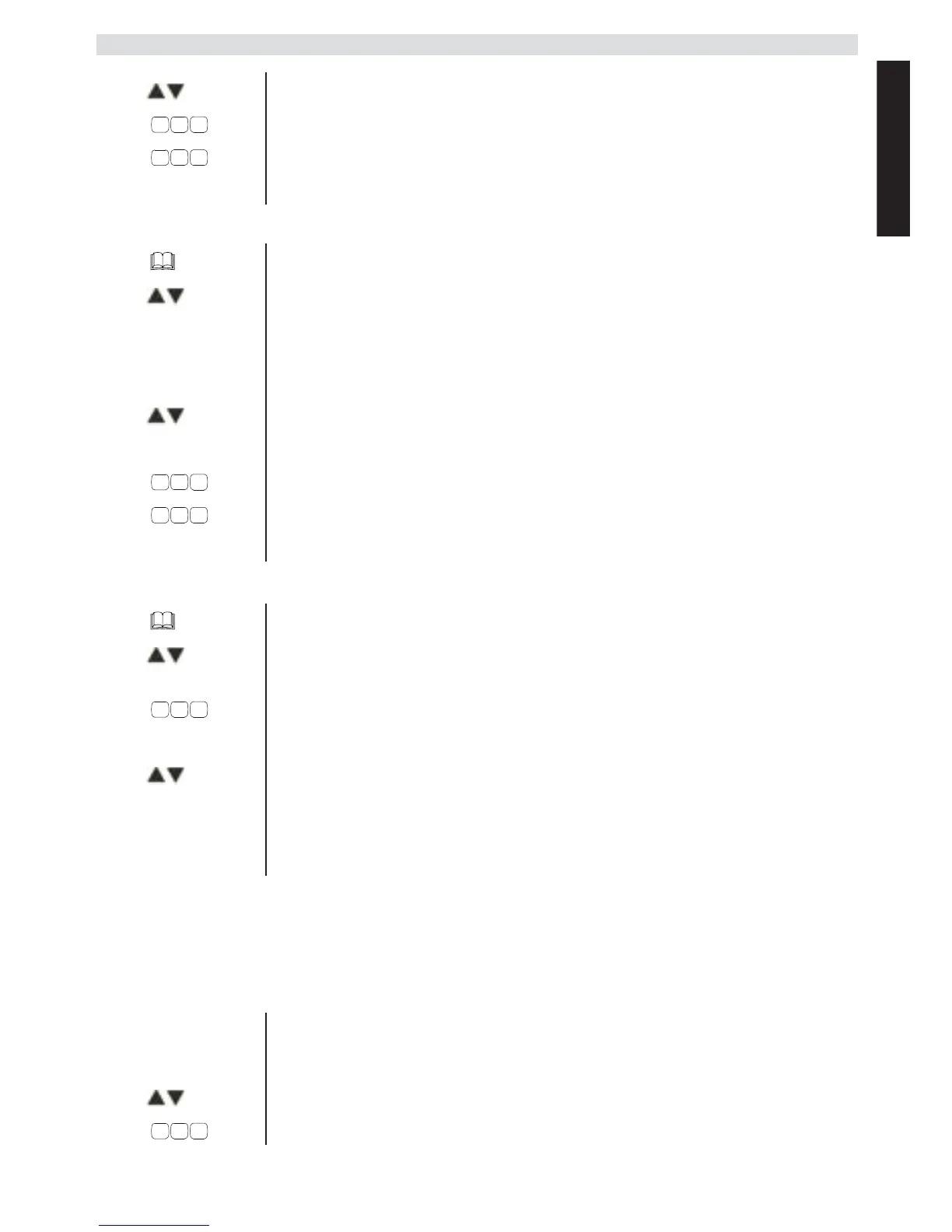
1 Press the phone book key.
2
Select the name using the up and down keys.
OR
Enter the initial letters of the name.
3
Press OK.
4
Select
"EDIT ENTRY"
and confirm.
DEL 5
Press the delete key to delete the letters.
6
Enter the name and confirm.
7
Enter the telephone number and confirm.
8
A confirmation tone is now sounded.
1 Press the phone book key.
2
Select the name using the up and down keys.
OR
Enter the initial letters of the name.
3
Press OK.
4
Select
"DELETE ENTRY"
or
"DELETE ALL"
and
confirm.
5
Press OK to confirm or press the Escape key to go
back.
M1-M2-M3
1 Press one of the abbreviated dialling keys.
2
Press OK.
3
Select
"NEW ENTRY"
and confirm.
4
Enter the name and confirm.



 To Next Page