30
Using the cordless handset
Calling a number in the call list
Deleting a number from the call list
Storing a number in the call list as an abbreviated dial
number
5.14 Resetting the handset to default settings.
This deletes all the changes and restores all the defaults (ring tone
volume, ring tone etc.). The calls list, redial list and phone book are
also deleted!
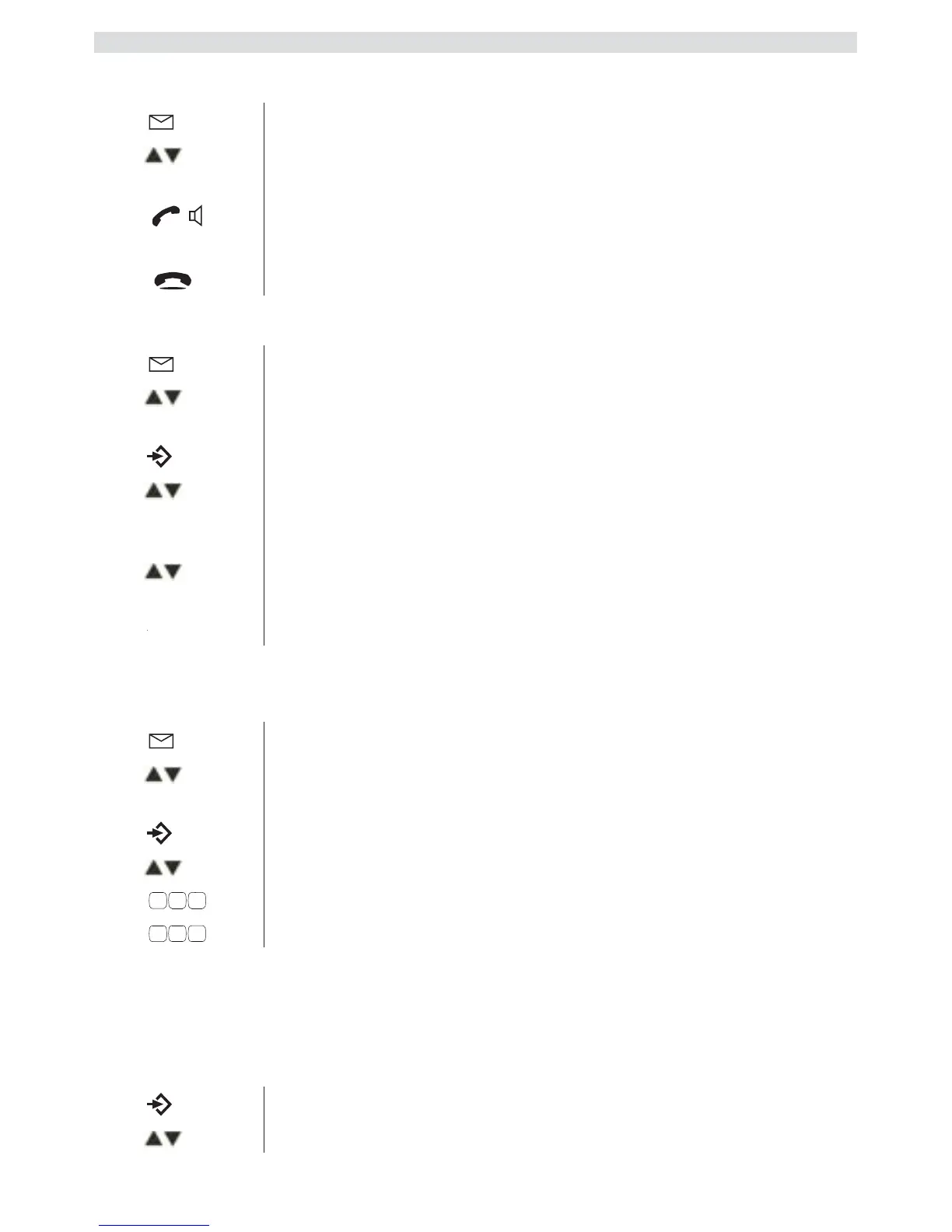
1 Press the calls list key.
2
Scroll through the calls list until the telephone
number you want is displayed.
3
Press the call key to start the call.
The telephone number is automatically dialled.
4
Press the hang up key to end the call.
1 Press the calls list key.
2
Scroll through the calls list until the telephone
number you want is displayed.
3
Press the Menu / OK key.
4
Select
"DELETE"
to delete the current telephone
number and confirm.
OR
5
Select "DELETE ALL"
to delete all phone book
entries and confirm.
6
Press to confirm or press the Esc key to return.
1 Press the calls list key.
2
Scroll through the calls list until the telephone
number you want is displayed.
3
Press the Menu / OK key.
4
Select
"SAVE TO PB"
and confirm.
5
Edit or add a name and then confirm.
6
Edit the telephone number and confirm.
1 Press the Menu / OK key.
2
Select
"HANDSET"
and confirm.



 To Next Page