23. TRAVERSE ADJUSTMENT
140
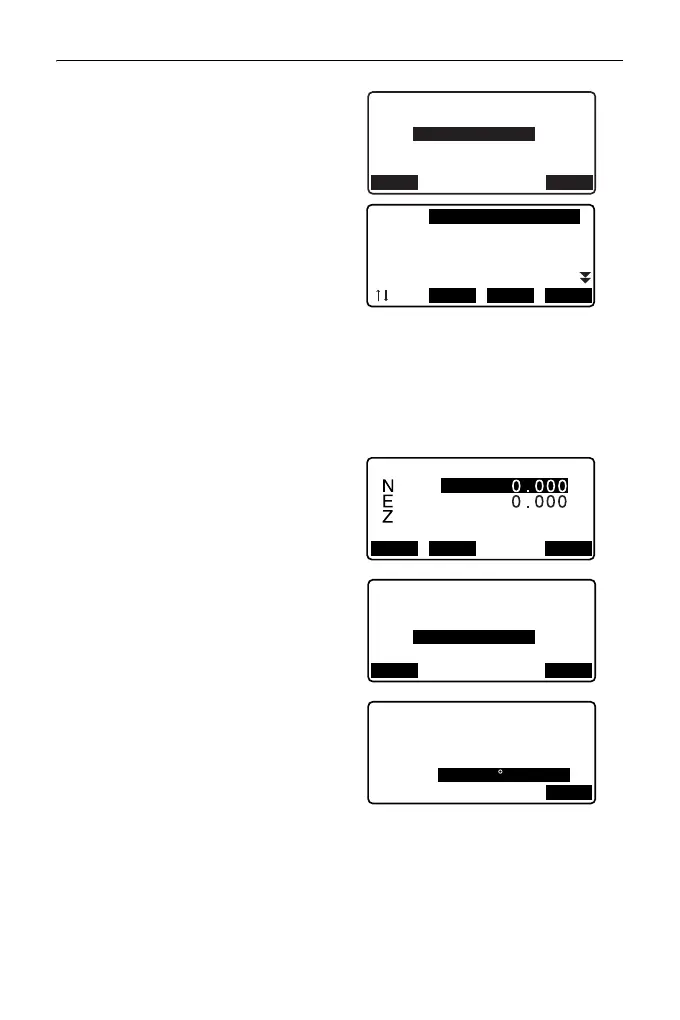
3. Enter the start point name and
press {ENT}.
• When [LIST] is pressed, a list of
instrument stations saved in the
current JOB is displayed. A point
from this list can be recalled and
used.
For using softkeys in this
screen, see "12.1 Entering
Instrument Station Data and
Azimuth Angle PROCEDURE
Reading in Registered
Coordinate Data"
• Enter values manually when
there are no coordinates saved
for the specified instrument
station.
Press [OK] to proceed to step 4.
4. Enter the point name of the
backsight station for the start point
and press {ENT}.
When there are saved coordinates
for the backsight station, the
calculated azimuth angle is
displayed.
• Enter values manually when
there are no coordinates saved
for the specified start point
backsight station.
Press [OK] to display the
calculated azimuth angle.
Traverse start pt.
Bs :
Occ:
Azmth:
<Null>
LIST OK
Occ T-0001
Occ T-0002
Occ T-0003
Occ T-0004
Occ T-0005
...P
FIRST LAST SRCH
Occ:
<Null>
PT T-0001
RECLOAD OK
Traverse start pt.
Bs :
Occ: T-0001
Azmth:
<Null>
BS
LIST OK
Traverse start pt.
Bs :T-000Z
Occ:T-0001
Azmth:
OK
357 27’46"



 To Next Page