21
5. BASIC OPERATION
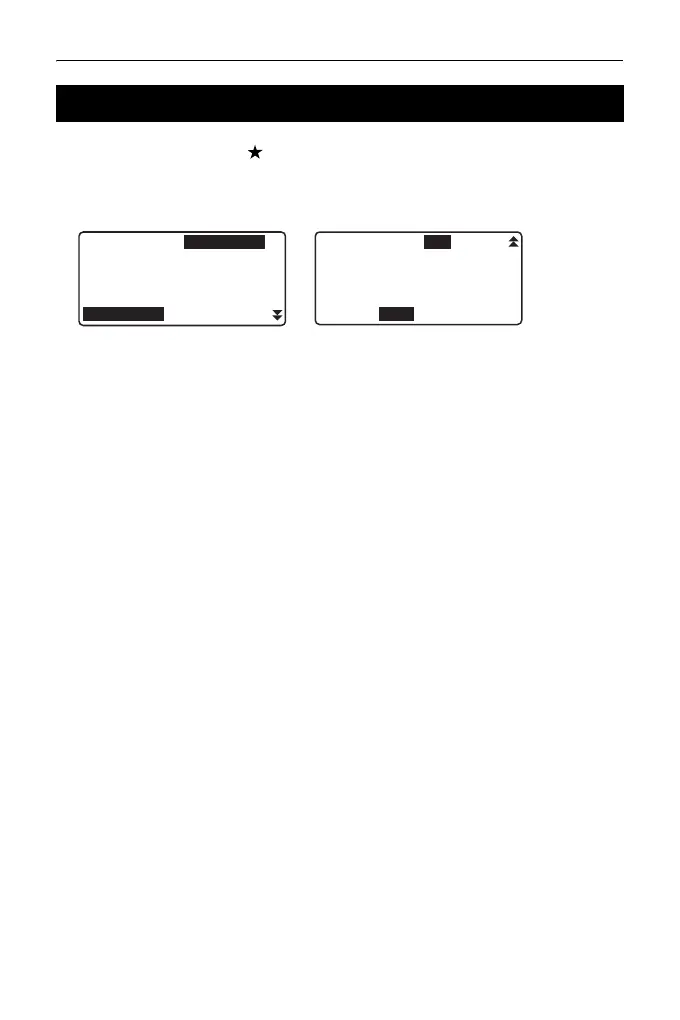
Pressing the Star key {} displays the Star Key menu.
In the Star Key mode, you can change the setting commonly used for
measuring.
The following operations and settings can be made in the Star Key mode
1. Turning ON/OFF tilt angle correction
2. Adjusting the display unit's contrast (Steps 0~15)
3. Adjusting reticle Illmination level (Steps 0~5)
4. Switching the target type
5. Turning ON/OFF laser pointer
* The Star Key mode can be called only from the OBS mode.
5.3 Star Key Mode
Tilt crn :Yes(H, V)
Contrast :10
Reticle lev :3
Reflector :Prism
Yes(H, V) Yes(V) No
L-pointer :Off
Off On



 To Next Page