39
1 NOMENCLATURE AND FUNCTIONS
4
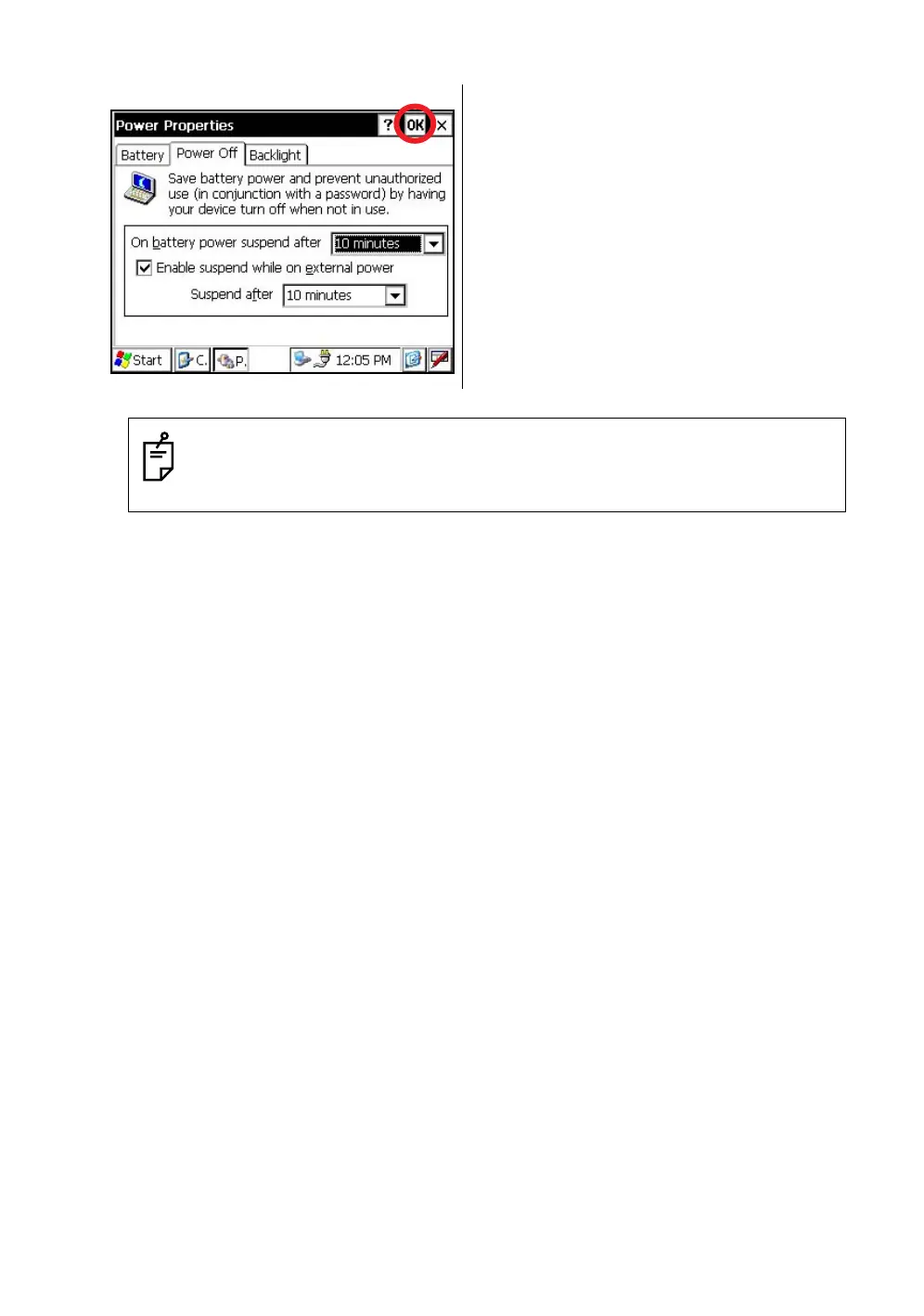
Press the [OK] key on title bar.
After that "Power Properties" screen will close
automatically.
While on external power, the auto power off function can be enabled too.
To set this function, please check it 'ON' the "Enable suspend while on external power” on
the "Power Off " screen, and select the auto power off time.
(Factory setting is 'OFF' as default)



 To Next Page