42
1 NOMENCLATURE AND FUNCTIONS
1.14Rotating Method
1.14.1Rotating by H/V Shuttle and H/V Jog
H/V shuttle or H/V jog can be used to rotate the instrument manually. The shuttle movement or
displacement is proportional in speed and size of angle desired. A small, slow turn of the shuttle will
result in a slow small angle displaced. Likewise, a larger abrupt turn of the shuttle will result in a coarse
angle displacement. H/V jog can be used for accurate collimating of the target much like a standard
tangent screw.
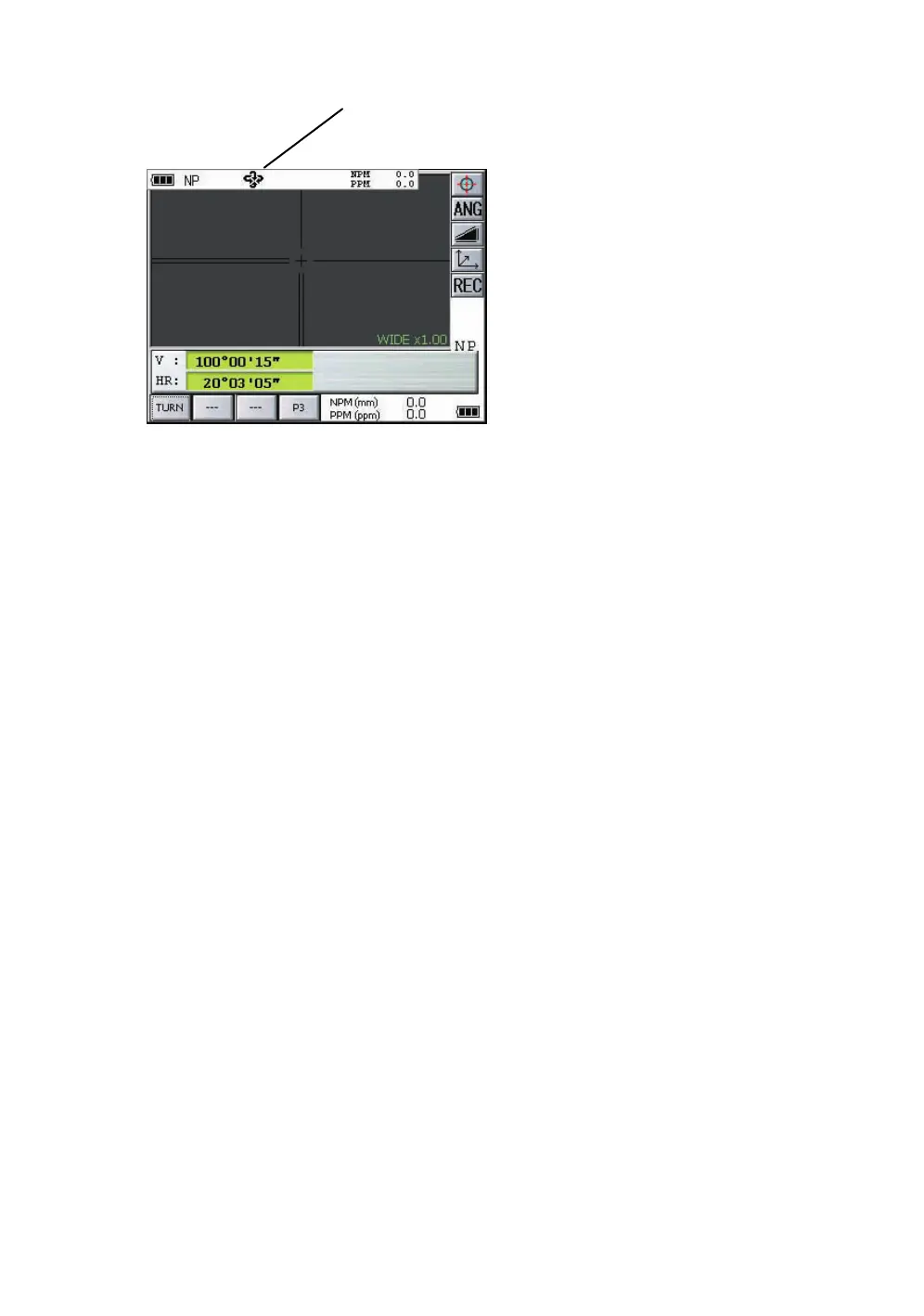
*1)The mark will not appear.
1.14.2Auto Inversion
Pressing the Auto-Inversion icon in Star Key mode causes the instrument to reverse and turn the
telescope and instrument automatically.
• To stop auto rotating by auto inversion key in case of emergency, press any keys except POWER
key.
• During auto rotation, don't disturb the instrument.(Stopping the rotation with a touch of the hand).
Such action may cause trouble or harm to instrument or operator.
For further instructions, See Section 1.11 “Star Key Mode” .
1.14.3Rotating automatically to a required Horizontal and Vertical angle
In Standard Measurement Modes, the instrument can be rotated automatically by input a required
horizontal and/or vertical angle.
For further instructions, see Section 4.2.5 “Automatic Rotation to a Required Horizontal and Vertical
Absolute Angle” .
This mark will appear while the
instrument is rotating automatically. *1)



 To Next Page