48
2 PREPARATION FOR MEASUREMENT
2.3 Power Switch Key ON
• Confirm the battery power remaining on the display. Replace with charged battery or charge when
battery level is low. see section 2.4“Battery Power Remaining Display” .
1
Confirm the instrument is leveled.
Tu rn the power switch ON.
Progress bar will be displayed during reloading
the Operating System, after you turn the
instrument on at the first time or perform
hardware reset.
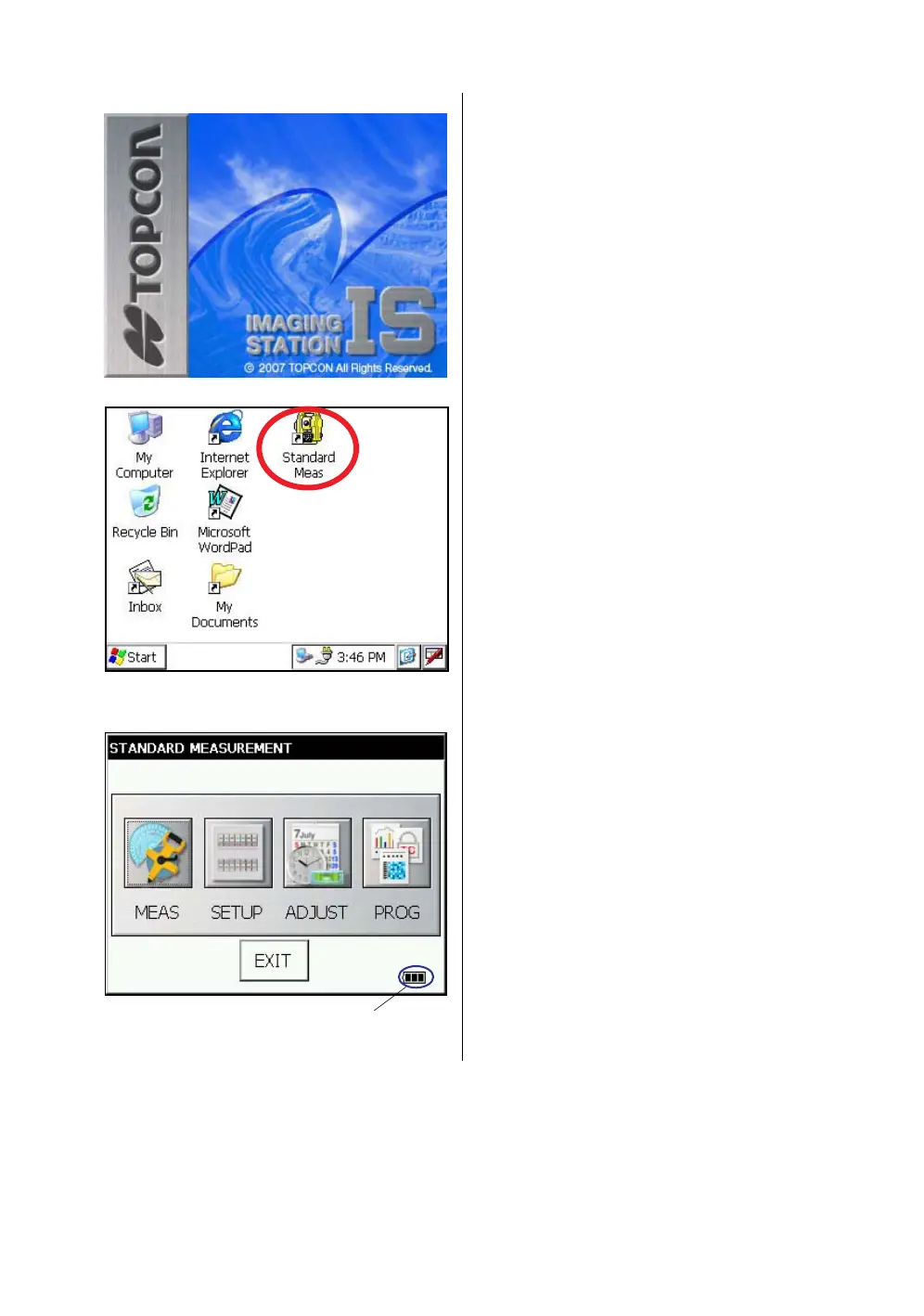
You will see the Desktop display of Windows CE
with “Standard Meas.” icon.
2
Press the “Standard Meas.” icon.
The main menu will be displayed.
Main menu
Battery Power Remaining Display



 To Next Page