55
2 PREPARATION FOR MEASUREMENT
8
Press the [ ] key to be returning numeric
mode.
Alphabet letter mode indicator will be
disappeared on the task bar.
9
Input ‘104’,
Press [1], [0], [4].
Then ‘104’ will be appended after ‘job_’.
10
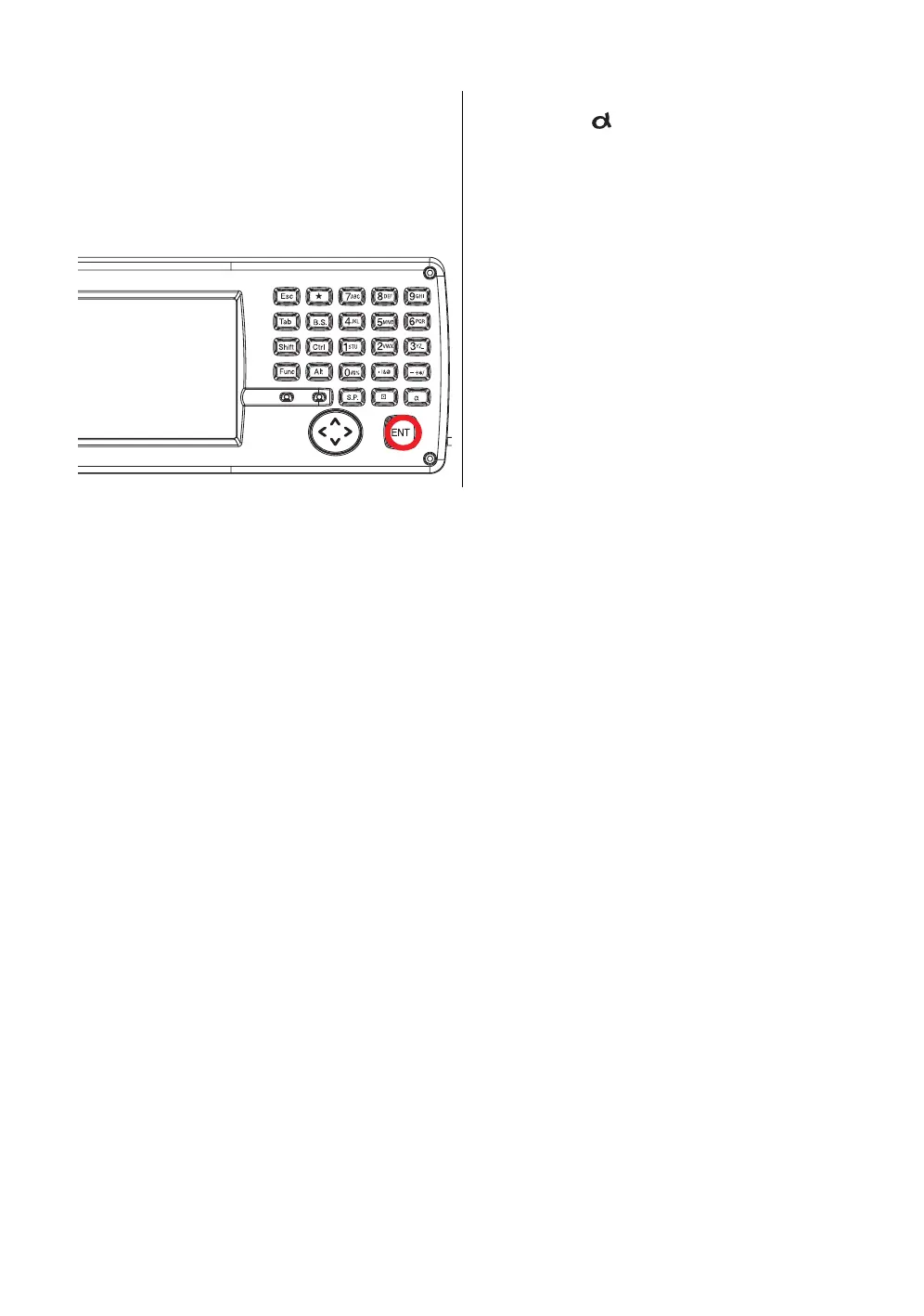
Press the [ENT] key.
In alphabet letter mode, [Shift] + [0-9,.-] keys perform uppercase character.



 To Next Page