Basic Operation
14
Basic Operation
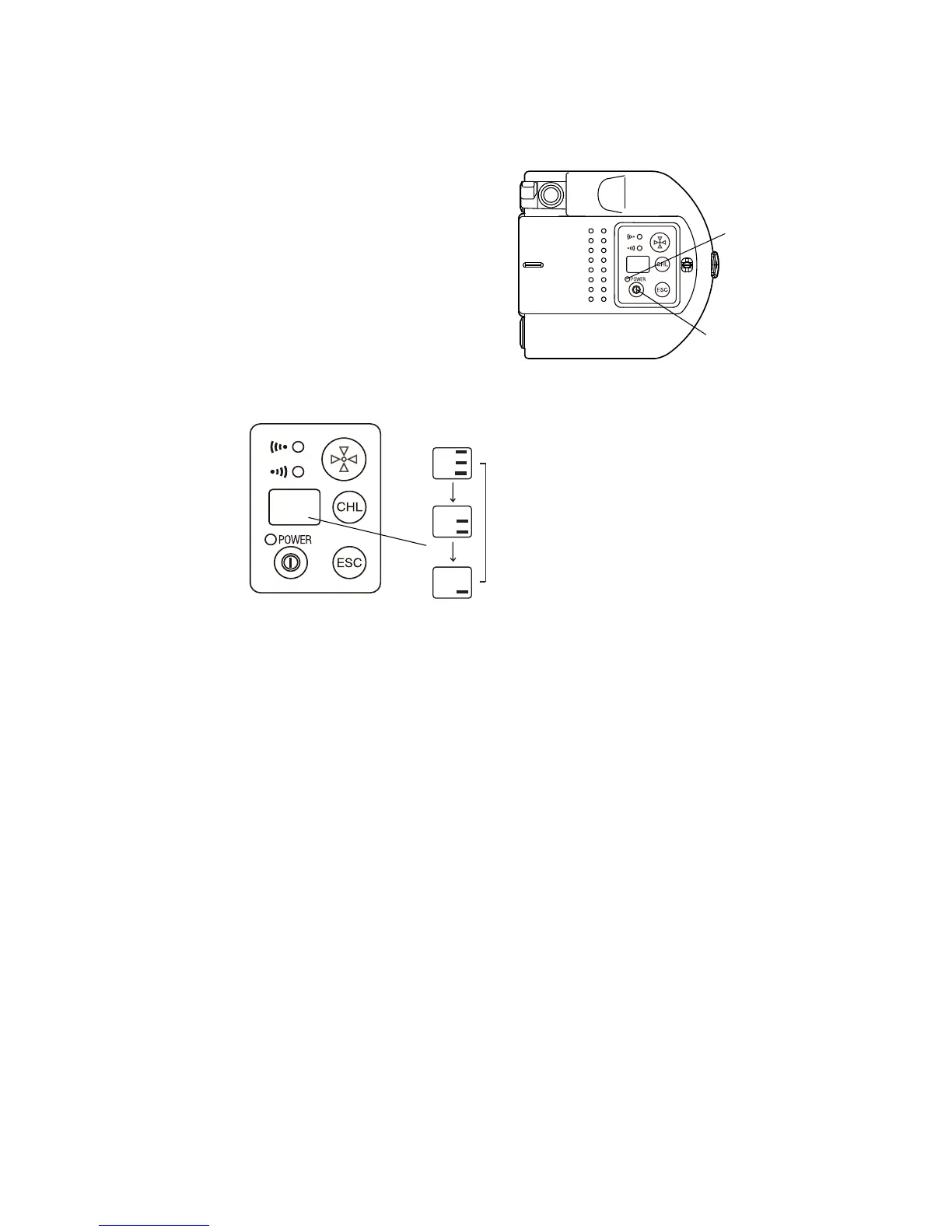
Power Switch ON
Press the power switch.
Power LED will light.
Battery Remaining Display
Push [ESC] key and the battery remaining capacity will be displayed for approximately 5 seconds.
Battery Warning Display for RC-4R
When the battery of the RC-4R is low, the power LED will flash with beep sound.
(Audio sound: Two pitches, frequent beep synchronized with power LED)
Confirm the battery remaining when turning on the instrument.
When the power LED is flashed with beep sound, replace or recharge the battery.
Battery Warning for TS/IS/QS series
When the battery power of TS/IS/QS in communication with RC-4R is low, the beep will sound from the RC-4R.
(Audio sound: Three pitches, frequent beep)
When the beep sounds, replace or recharge the batteries of TS/IS/QS.
Auto Power Off
If no key operation is given or no communication is performed for more than 30 minutes, the power turns off
automatically.
Error Display
The RC-4R unit does not display errors.
Refer to the operation manual for the data collector and other software for details.



 To Next Page