Setting Mode
20
Setting Mode
In this mode, following items can be set.
Setting Items
How to Channel Set
RC channel / SS Wireless channel
1 With the power ON, push the channel change key on the panel once.
Current RC channel will be displayed. (Default setting: 1 CH)
2 While the RC channel is displayed (approx. 3 seconds), push the key once again.
It will switch to the next RC channel.
3 Repeat step 2 until the RC channel you wish to set is displayed.
After approx. 3 seconds, the current SS Wireless channel will be displayed in 2 digits. (Default
setting : 01 CH)
4 While the SS Wireless channel is displayed (approx. 3 seconds), push the key once again.
It will switch to the next SS Wireless channel.
5 Repeat step 4 until the SS Wireless channel you wish to set is displayed.
(The communication channel setting cannot be changed during turn-round.)
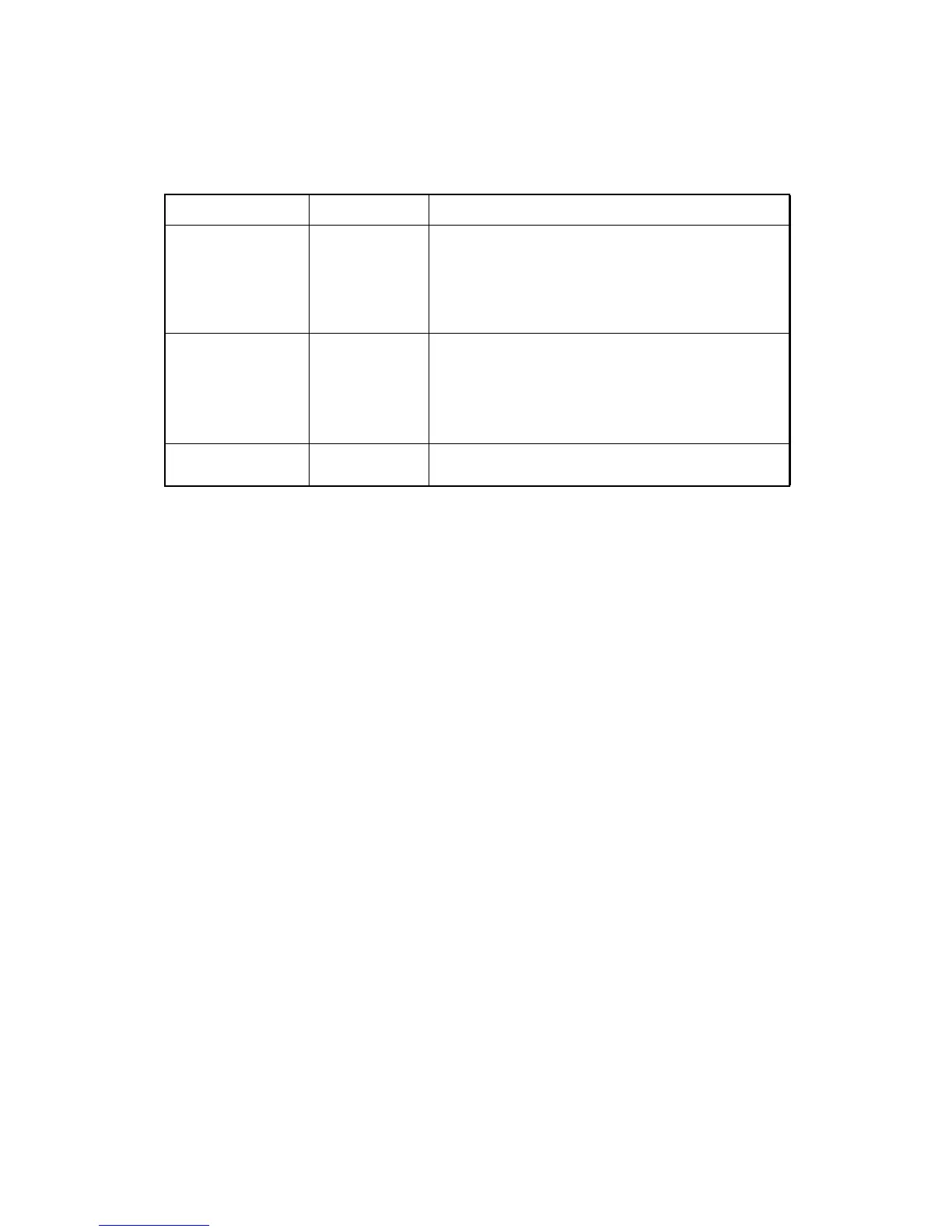
Items Selecting item Description
RC channel
1 to 6 (CH)
Sets a channel to be used for turn-round.
The same communication channel (1to 6) must be
assigned to both RC-4R and the TS/IS/QS.
Prevents interference of communication when several
systems consisting of a TS/IS/QS and a RC-4 are used at
one site.
SS Wireless
channel
01 to 20 (CH)
Sets a channel to be used for communications.
The same communication channel (01 to 20) must be
assigned to both RC-4R and the TS/IS/QS.
Prevents interference of communication when several
systems consisting of a TS/IS/QS and a RC-4 are used at
one site.
Communication
baud rate
38400/9600 (bps)
The communication baud rate can be selected.



 To Next Page