4. PRODUCT OUTLINE
20
Key/LED Nomenclature Function
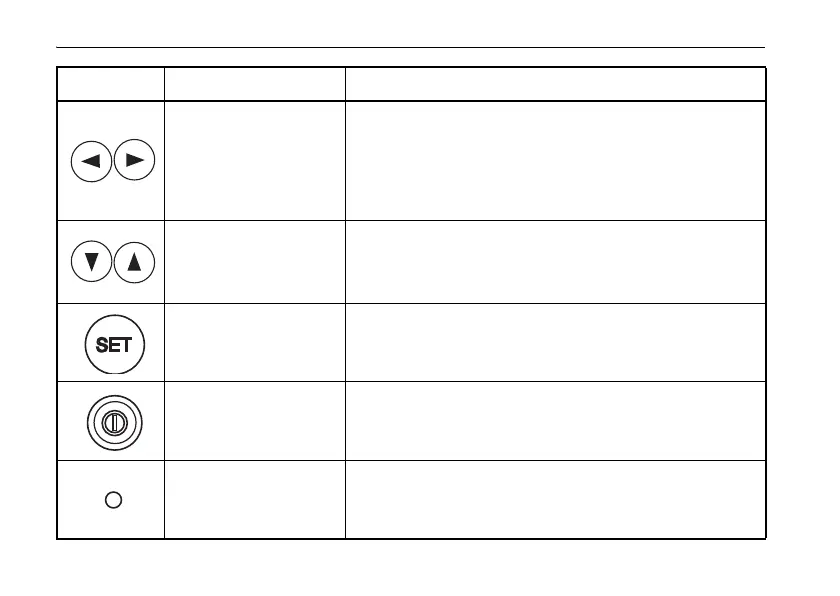
Laser right/left key
Press to move the laser beam to the right or to the left.
Active indicating digit shifts to the right or the left.
“6.3 Setting Laser Line” (p.36)
By pressing both keys at the same time, the laser beam
returns to the center automatically.
“Automatic Centering” (p.38)
Laser up/down key
Press to move the laser beam up or down.
Positive and negative values are indicated in the display
for grade setting. By pressing both keys at the same time,
returns grade to 00.000% (0
‰).
Setting key Press to enter grade shown on display.
Power key Turn the instrument ON or OFF.
Warning /
Standby Indicator LED
Flashes to indicate warning or standby mode.















 To Next Page