9. CHECKS AND ADJUSTMENTS
68
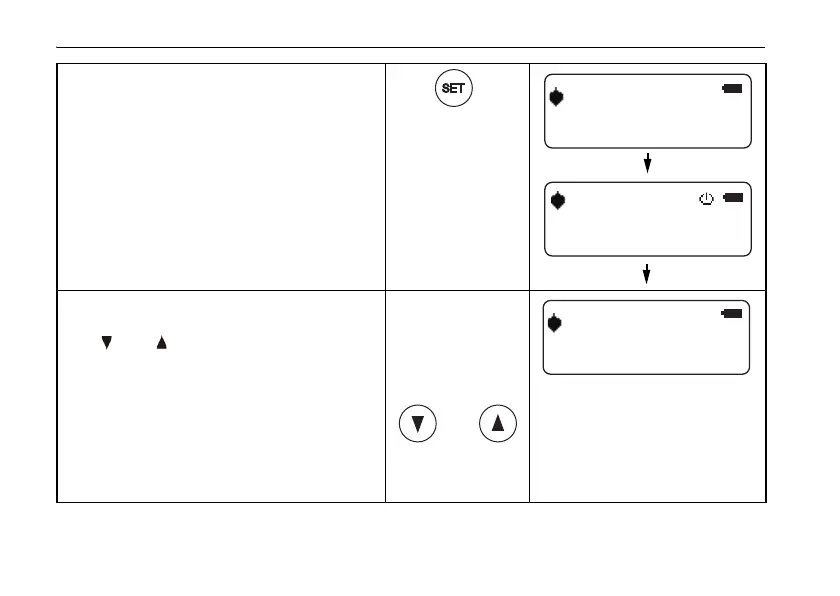
3 Press SET key.
"INIT" is displayed, and then
"LEVELING" is displayed.
4 Adjust the height of laser beam x1
and X2 measurements are equal (use
[] or [] key).
• The display will be changed to
"LEVELING" again if the instrument
is moved. In this case, wait until the
display changes to "LEVEL" and
readjust the instrument.
LEVEL















 To Next Page