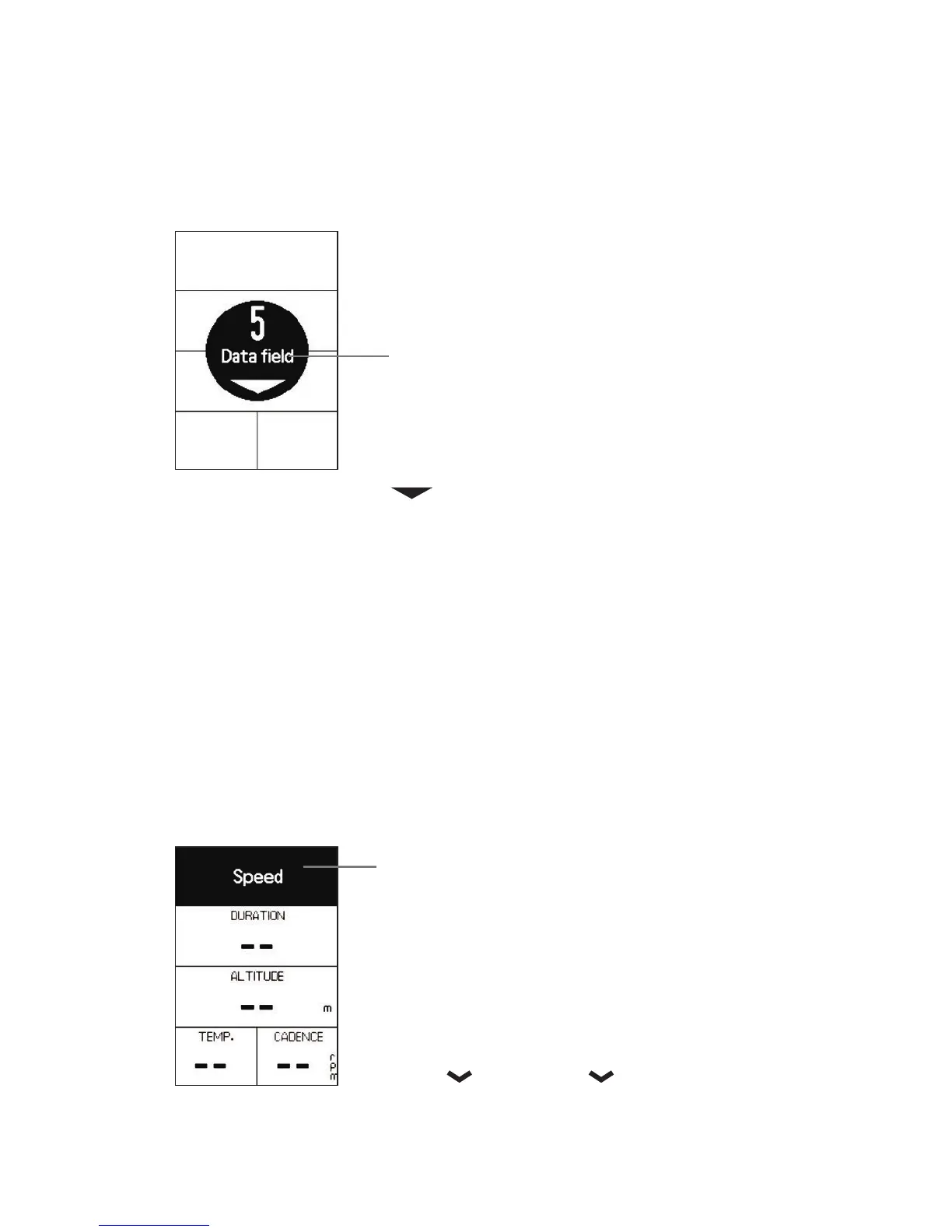
3.1.1.2 Data field
• Press NEXT to choose number of fields to display
on customized page.
• 3 to 8 fields can be selected.
• Press ENTER to confirm number of fields to display.
8
7
6
5
4
3
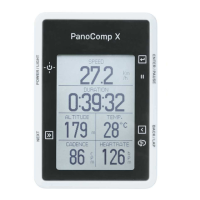
3.1.1.3 Select and customize each data field
19 different data metrics.
• Press NEXT to cycle through fields to customize.
• Press ENTER to select field.
• Press NEXT to cycle through data metric to display.
• Press ENTER to confirm data metric to display.
• Repeat sequence above until chosen fields are customized.
• Press BACK to return to previous screen.
Speed
Avg Speed
Max Speed
Cadence
Avg Cadence
Max Cadence
Grade
Altitude
Total Descent
Total Ascent
Temperature
Battery
Calories
HeartRate
Avg HeartRate
Max HeartRate
Distance
Duration
Time of day





 To Next Page