EasyManua.ls Logo

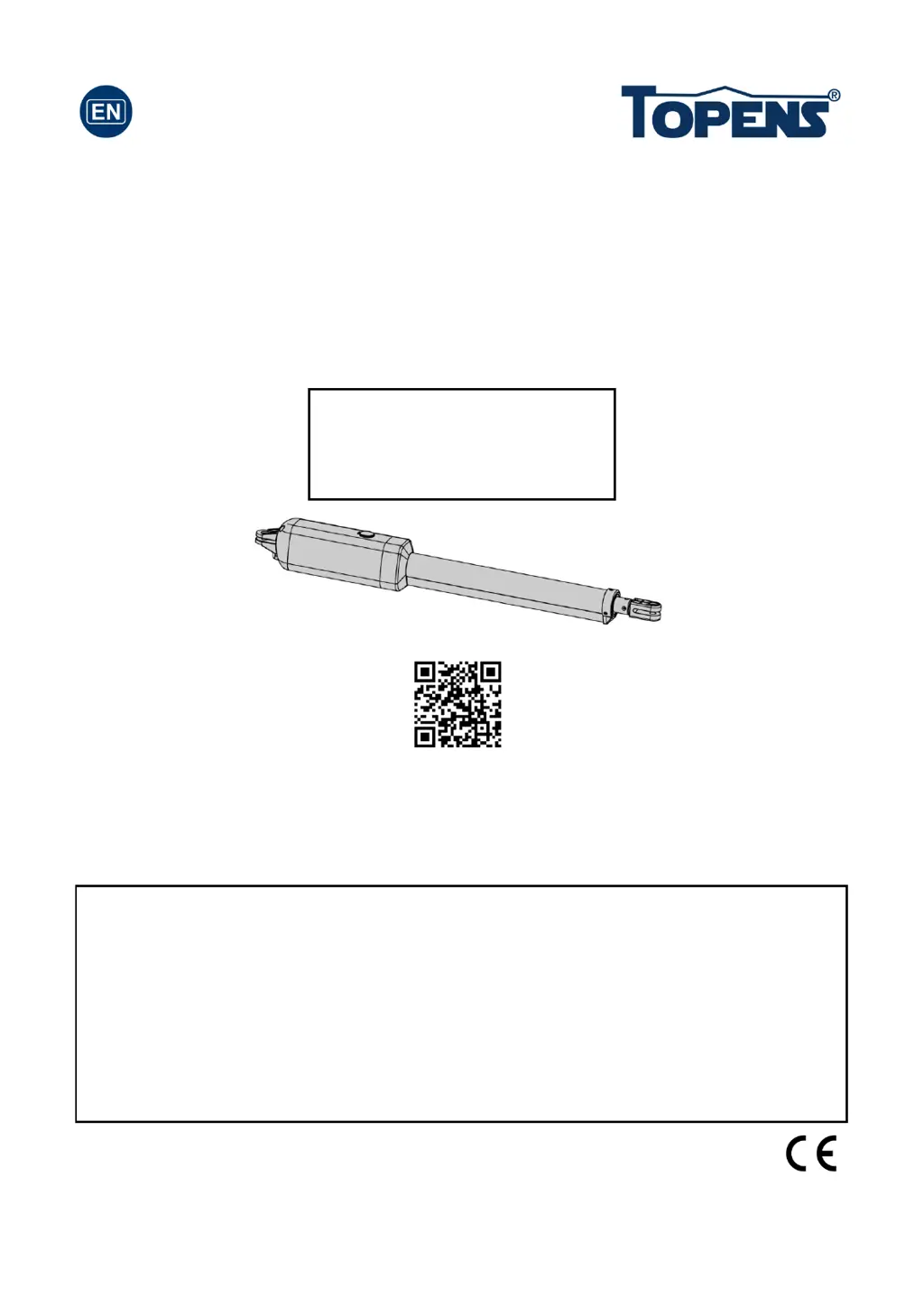
Topens A8S - User Manual

Topens A8S
36 pages
Print Icon
To Next Page IconTo Next Page
Loading...
Single Swing Gate Opener
User’s Manual
Model:
TOPENS Website
www.topens.com
Email: support@topens.com
VER 21c
A3/A5/A8
A3S/A5S/A8S
Please read and follow all warnings, precautions and instructions before
installation and use.
A 24V 12Ah battery (NOT INCLUDED, 2pcs 12V batteries connected in series may
function as 24V), OR the UPS01 AC-DC Power Supply (NOT INCLUDED) is
REQUIRED to power up this gate opener. The adapter included in the package is
ONLY used to charge the battery.
Never connect the solar panel to the control board directly to charge the battery.
Periodic checks of the opener are required to ensure safe operation.
Save this manual.
C030449

Questions and Answers

  • P
    Patrick TorresAug 5, 2025
    How to fix Topens A8S that opens but doesn't close?
    • S
      Steven JohnsonAug 5, 2025
      If your Topens gate opener opens but doesn't close, first check if the connection of the photocell beam is not blocked, assuming a photocell is being used. Also, the closed limit switch might be broken. To check it, remove the BLUE, GREEN, and YELLOW wires of the arm from the control board and use a jumper wire to short the ULT, COM, and DLT terminals; if the arm runs normally, the limit switch is faulty. If neither of these resolves the issue, the control board itself could be faulty and may need replacing.
  • A
    Alicia ToddAug 9, 2025
    Why Topens A8S Gate Opener automatically opens, but does not automatically close?
    • M
      Morgan CampbellAug 9, 2025
      If your Topens gate opener automatically opens but doesn't automatically close, the setting of DIP switch #1 might be incorrect. Ensure the DIP switch is set correctly according to the push/pull to opener installation of the gate opener.
  • K
    kelli32Aug 14, 2025
    Why Topens A8S Gate Opener does not respond to the remote control?
    • C
      clinepatriciaAug 14, 2025
      If your Topens gate opener isn't responding to the remote, there are several potential reasons. First, ensure the remote has been properly programmed to the control board. If it has, the remote's battery may be dead; try replacing it. Another possibility is a broken limit switch. To test this, remove the BLUE, GREEN, and YELLOW wires from the control board, then use a jumper wire to short the ULT, COM, and DLT terminals. If the arm now runs normally, the limit switch is faulty. Lastly, the control board itself could be faulty and need replacement.
  • T
    Thomas Cunningham MDAug 18, 2025
    What to do if Topens Gate Opener moves a little and then stops?
    • W
      William CastilloAug 18, 2025
      If your Topens gate moves a little and then reverses or stops, it could be that the selected force is too small to move the gate. Try turning the Potentiometer clockwise to increase the force. Also, disconnect the gate from the gate operator and check that the gate slides freely without any binding.
  • K
    Katherine PerezAug 22, 2025
    What to do if Topens A8S Power LED does not turn on?
    • B
      Brian BennettAug 22, 2025
      If the Power LED on your Topens gate opener does not turn on, ensure the connection between the battery and control board is correct and fastened. Check the fuse in the control board and replace it if it's burnt out. If the problem persists, the control board itself might be faulty and need replacement.
  • H
    hansonbrandyAug 27, 2025
    Why my Topens A8S's Power LED flashes rapidly and doesn't run?
    • E
      Elizabeth LoveAug 27, 2025
      If the Power LED on your Topens gate opener flashes rapidly and the opener doesn't run, it's likely due to an over-discharged battery. Check the battery voltage; it should be above 22V for the gate opener to function normally.
  • A
    Amanda VargasAug 31, 2025
    How to troubleshoot Topens A8S Gate Opener when only the CODE LED is slightly on?
    • T
      Tara ReedAug 31, 2025
      If your Topens gate opener isn't running and only the CODE LED is slightly on, the batteries may not be connected to the control board, or the wire connection of the batteries is loosened. Note that two 12V batteries are required to power up the gate opener. The adapter included in the package is only for charging the batteries.

Summary

Safety Installation Information

A3 Parts List

A5;A8 Parts List

Extra Parts for A3;5;8 S

Accessories Parts (Included in some models, refers to the actual package)

Optional Accessories Parts List (Available at TOPENS Store)

Replacement Parts

Tools Needed:

Technical Specifications & Features

Installation Overview

Preparation for Installation

Details on gate opener types and mounting bracket considerations before installation.

Install the Opener on the Gate - for Pull to Open

Install the Opener on the Gate - for Push to Open

Mounting of the Control Box

Connection of the Power Supply

Connection of the Control Board

How to Program the Remote to the Opener

How to Erase All the Remote Codes

Procedure to remove all previously programmed remote controls for security purposes.

How to Use the Remote to Operate Your Gate Opener

Instructions on operating the gate opener using the remote control buttons.

Wireless Keypad Programming

Adjusting the Limit Switch

Setting of the Control Board

Maintenance

Trouble Shooting

Topens A8S Specifications

General IconGeneral
TypeSliding Gate Opener
Protection LevelIP44
Motor TypeDC Motor
Control MethodRemote Control
Safety FeaturesObstacle Detection
Operating Temperature-4°F to +122°F (-20°C to +50°C)
Remote Control Range30m

Related product manuals