44 Every Day Use
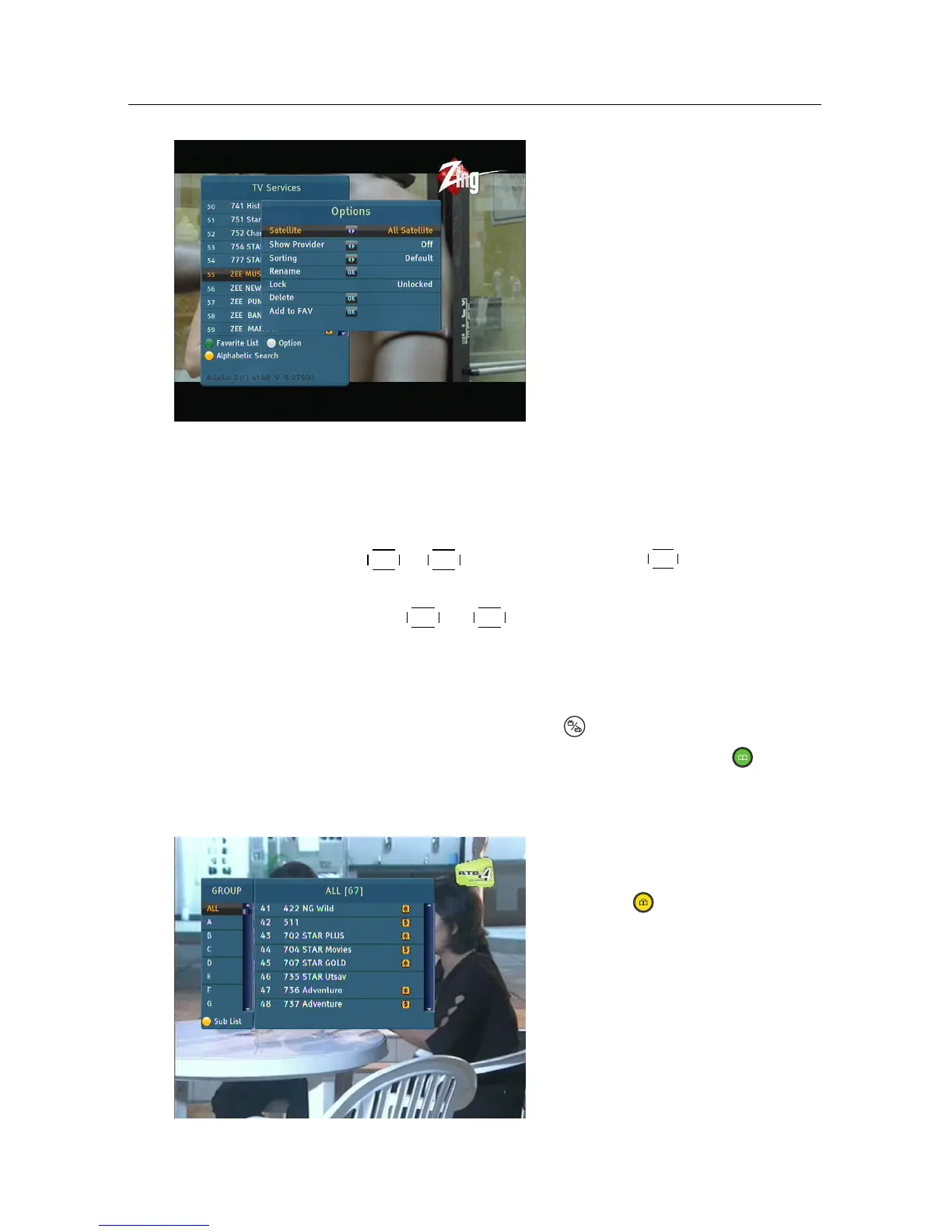
On the services list, you can see
the service information as fol-
lows:
• Service number and name
• Transmitting satellite
• Multiplex information
A dollar sign ($) may be marked on some entries, indicating
pay service. To watch pay services, you need a subscription
card.
To select a desired service, put the highlight bar on its entry
with the
P+ or
P− button and press the
OK button, then the
selected service will be presented.
Pressing the
V− or
V+ button skips over 10 entries up or
down. Entering a service number with the numeric buttons
puts the highlight bar on its entry.
You can switch between the television services list and the ra-
dio services list by pressing the button.
To sort the services list by service name, press the button.
Pressing this button once more makes it sorted by service num-
ber.
you can browse as a group the
services that have a same initial.
Press the button at the ser-
vices list screen, then you should
see a screen like the left figure.














 To Next Page