72 Firmware Update
5. Place the highlight bar on the right firmware file and
press the
OK button, and a countdown will be displayed
on the front display of the digital receiver.
6. When the message of ‘END’ appears, restart the digital
receiver.
8.2 Over the air
You can get a new firmware over
the air. Select the Installa-
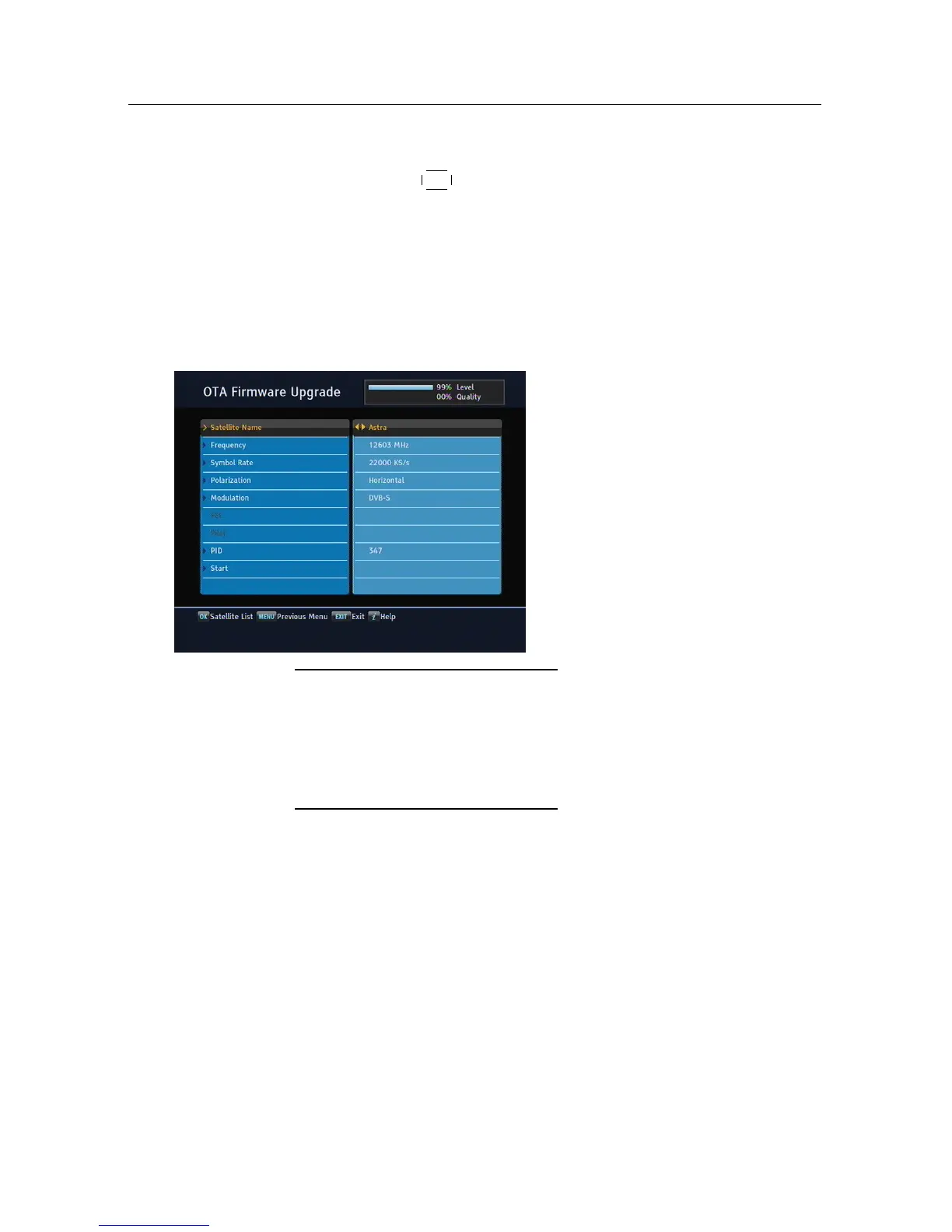
tion > Firmware Upgrade > OTA
Firmware Upgrade menu. You
should see a screen like the left
figure.
Satellite Astra (19.2° E)
Frequency 12603 MHz
Symbol Rate 22000 KS/s
Polarisation Horizontal
PID 347
On the left table is presented
the transponder information
appointed by the manufac-
turer, Topfield, for firmware
update.
This transponder information can be changed. You can get the
information from the website, http://www.i-topfield.com.
Selecting the Start command starts firmware update.














 To Next Page