.
36
has different functions per menu.
How to use the colour buttons will be guided by the on-screen
help.
NOTE
When using the remote control, point it at the remote sensor
on the front panel of the digital receiver.
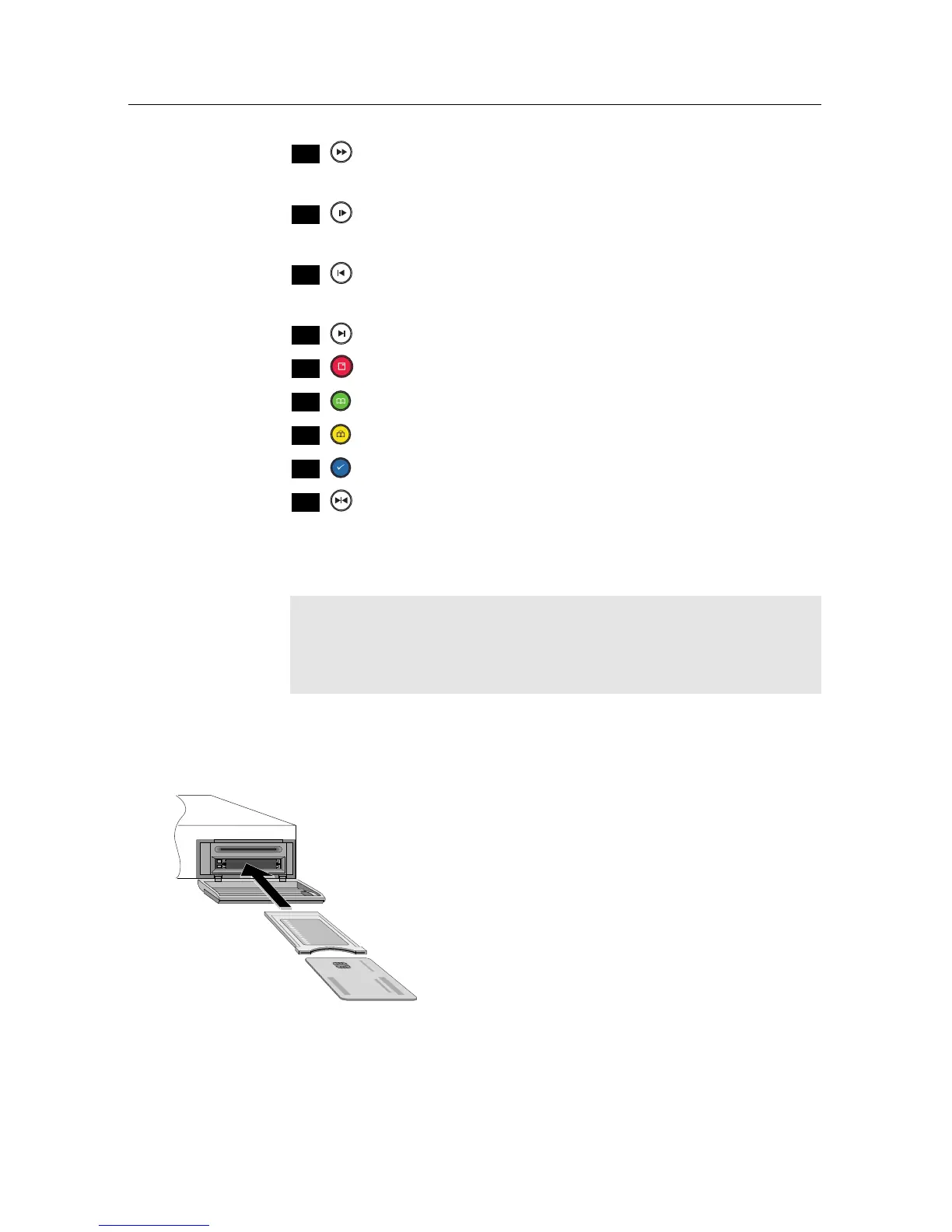
1.3 Common Interface
There are pay TV services available; these
are accessible with the use of a Conditional
Access Module (CAM) and a subscription
card. A Common Interface (CI) is the slot
into which you can insert a CAM. The front
of the digital receiver has two common inter-
face slots. To watch a pay service, you should
take the following steps:
1. Purchase a CAM and a subscription card for the pay ser-
vice you want to watch.
2. Insert the subscription card into the CAM.














 To Next Page