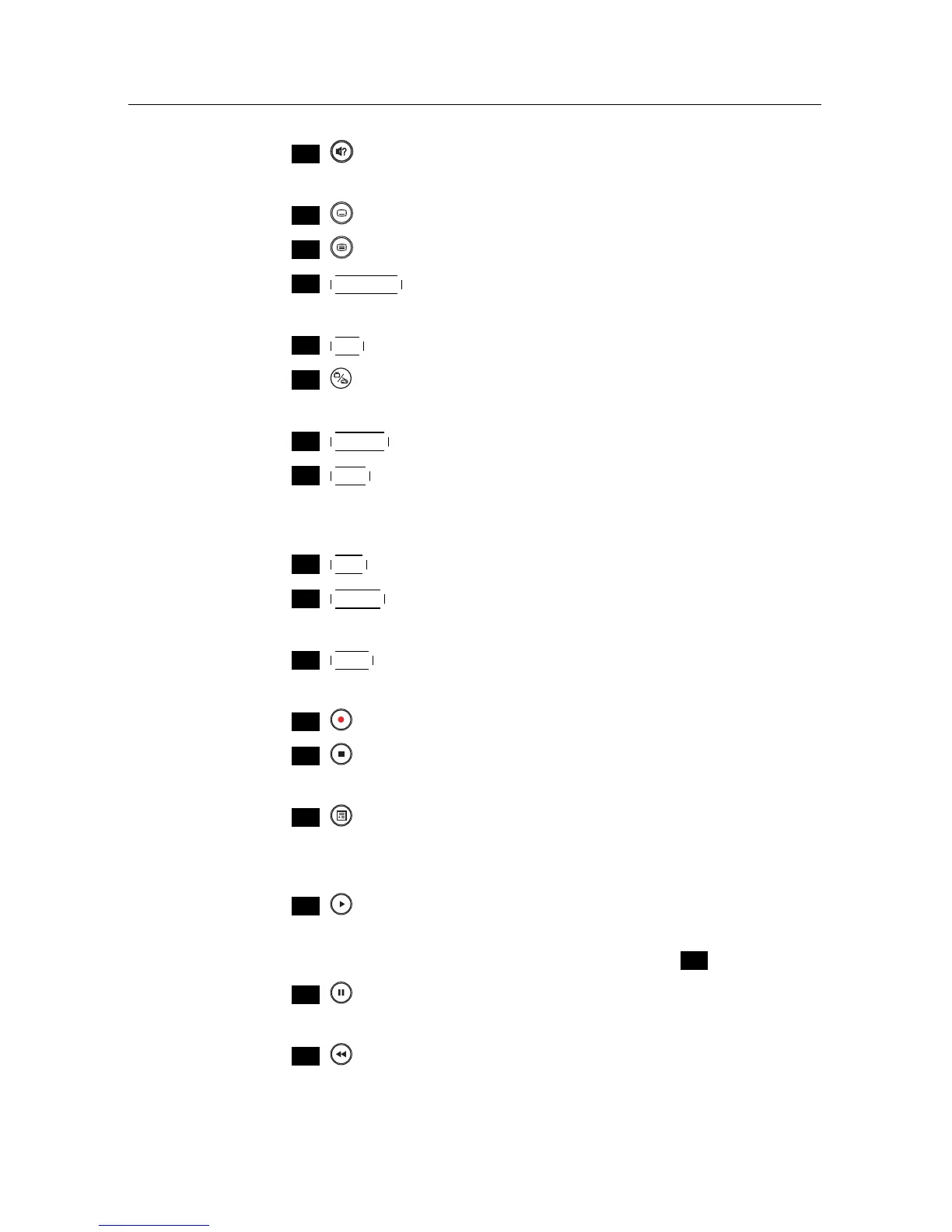
1.2 Controlling the digital receiver 5
.
.
11
is used to select an audio track and a sound mode, or
a video track of multifeed programme.
.
.
12
is used to select a subtitle track.
.
.
14
V.Format changes video resolution. See §4.2.1 for more de-
tails.
.
.
15
A/R changes aspect ratio. See §4.2.2 for more details.
.
.
16
switches over between television services and radio
services.
.
.
17
GUIDE displays the electronic programme guide.
.
.
18
AUX switches the output of the TV SCART socket over be-
tween the digital receiver and the device connected to the
VCR SCART socket. See §4.2.4 for more details.
.
.
19
SAT displays the satellites list with their services list.
.
.
20
MENU displays the main menu. It is also used to return to
the previous menu from a submenu.
.
.
21
EXIT is used to exit a menu or to hide on-screen informa-
tion.
.
.
22
is used to start recording.
.
.
23
is used to stop playback, to stop recording, or to jump
back to live television from time-shifted television.
.
.
24
is used to display the list of recorded programmes that
are stored in the external hard drive. See §7.2 for more
details.
.
.
25
resumes normal playback speed, or displays the
progress bar for navigation on playback or time-shift. To
play a recorded programme, see button
.
.
26
pauses live television or playback of a recorded pro-
gramme.
.
.
27
is used to start reverse playback. Subsequent presses
increase the rewind speed.














 To Next Page