50 Every Day Use
5.4 Watching multifeed programme
Some broadcasts such as sports channels can provide a variety
of perspectives on a programme at the same time. We call it a
multifeed programme. You can select and watch a perspective
you prefer.
If a multifeed programme is provided on the current service,
the multifeed symbol ( ) will be marked on the information
box. Press the button, then available video tracks will be
listed. Once you select one, it will be presented. At this time,
you have to press the button once more to select audio
tracks.
5.5 Using time-shift
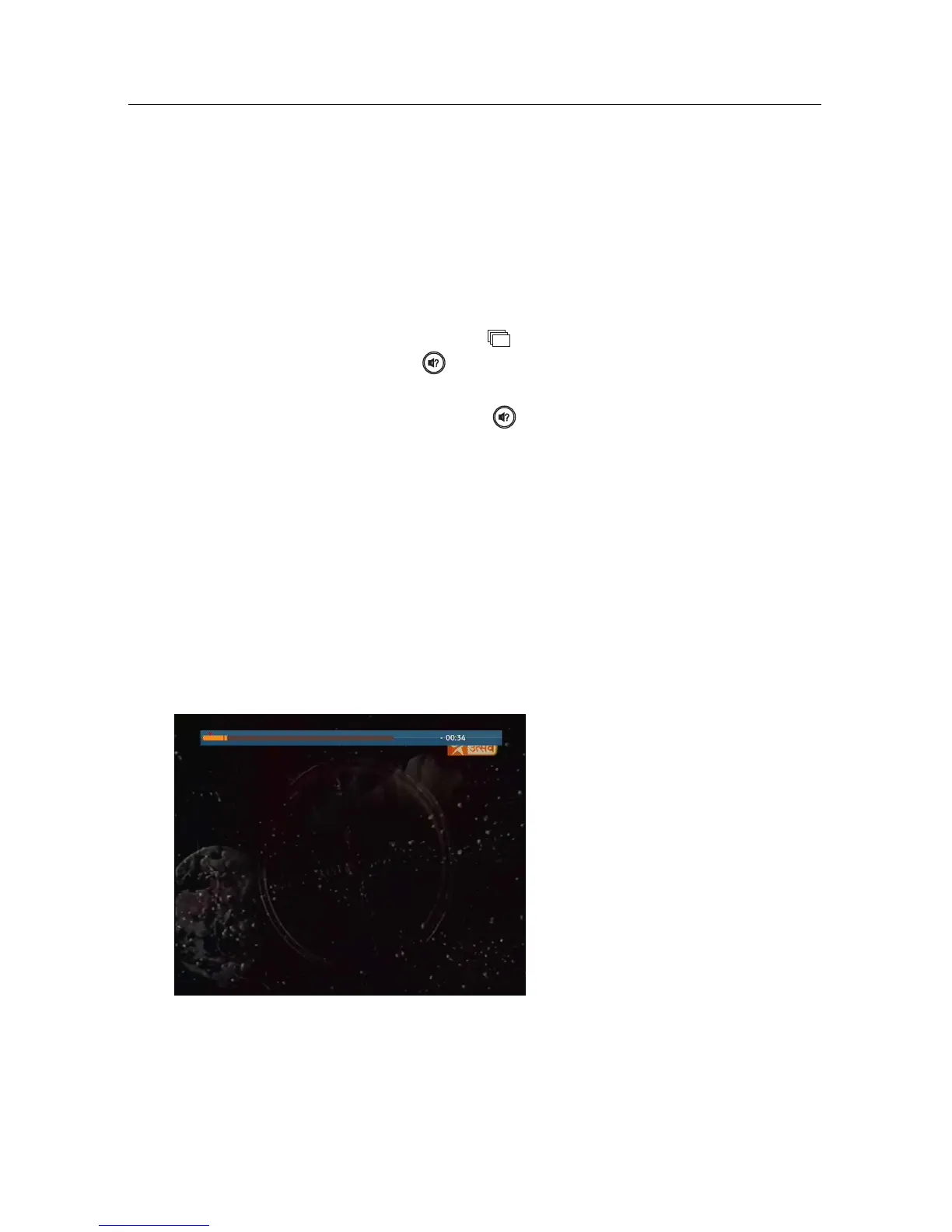
You can pause and resume a live television programme, and
even rewind and replay it. When you are watching a pro-
gramme and you miss something, you can rewind and replay
it. Or when your attention is needed elsewhere, you can pause
a live TV and resume a short time later without losing any of
the programme.
When you do this, you are no
longer watching the live pro-
gramme, instead you are watch-
ing a delayed presentation. This
is called time-shifted television.
You can skip commercials until
you catch up to the live broad-
cast.
In order to use the time-shift feature, set the Time Shifting op-
tion to desired duration of time. Then the digital receiver will
archive the programme as much time as you set in the option.
See §4.5.














 To Next Page