- 26 -
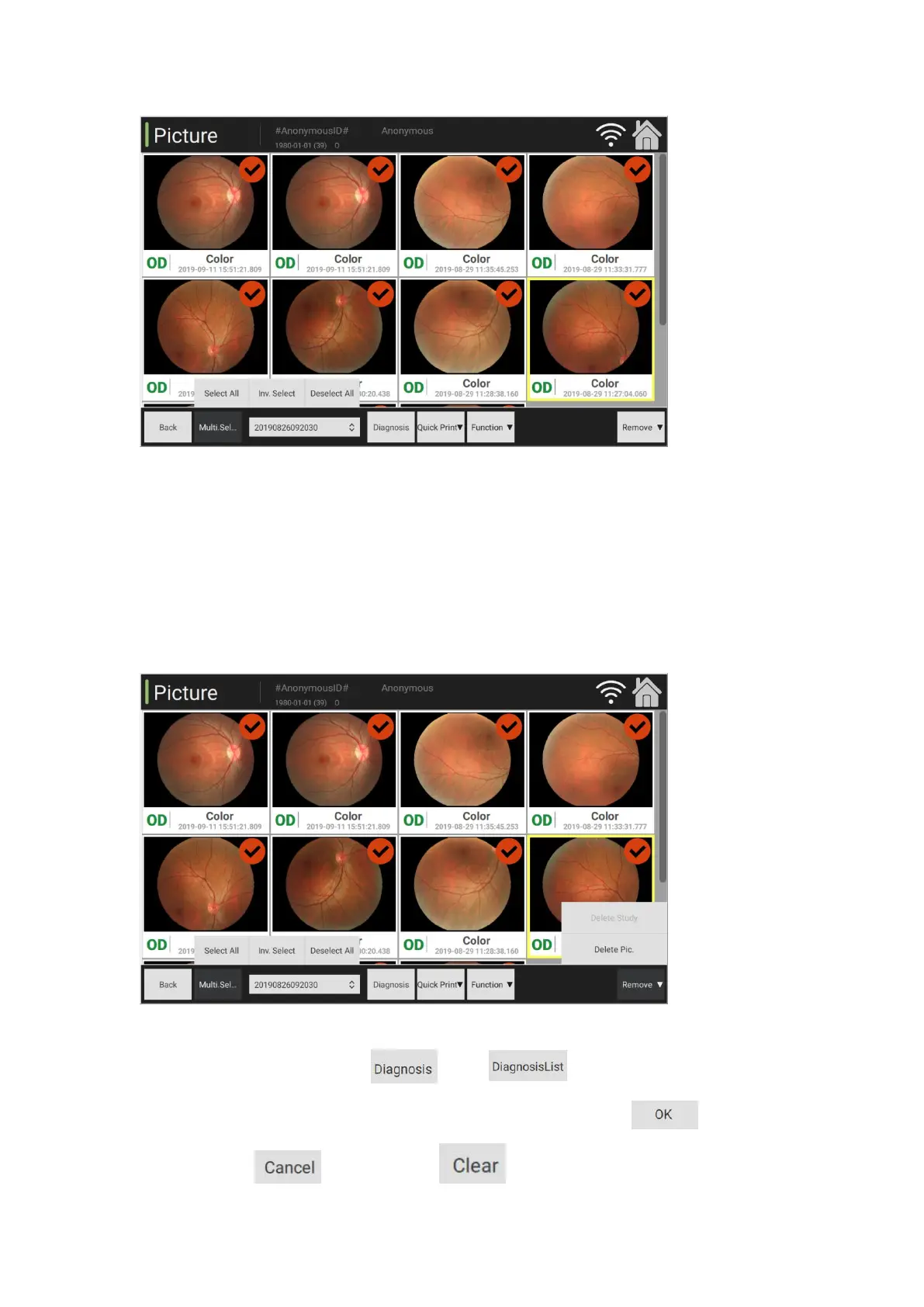
(4) Delete and check: Delete all the images in the current folder.
(5) Delete an image: Under the multi-selection mode, tick one image, click "Delete" to remove the
ticked image.
(6) Diagnosis information: Select , click to select the record list, double
click the content in the list, fill in the diagnosis information and click to confirm.
Otherwise, click to cancel. Click button to clear all content and double lick



 To Next Page