- 27 -
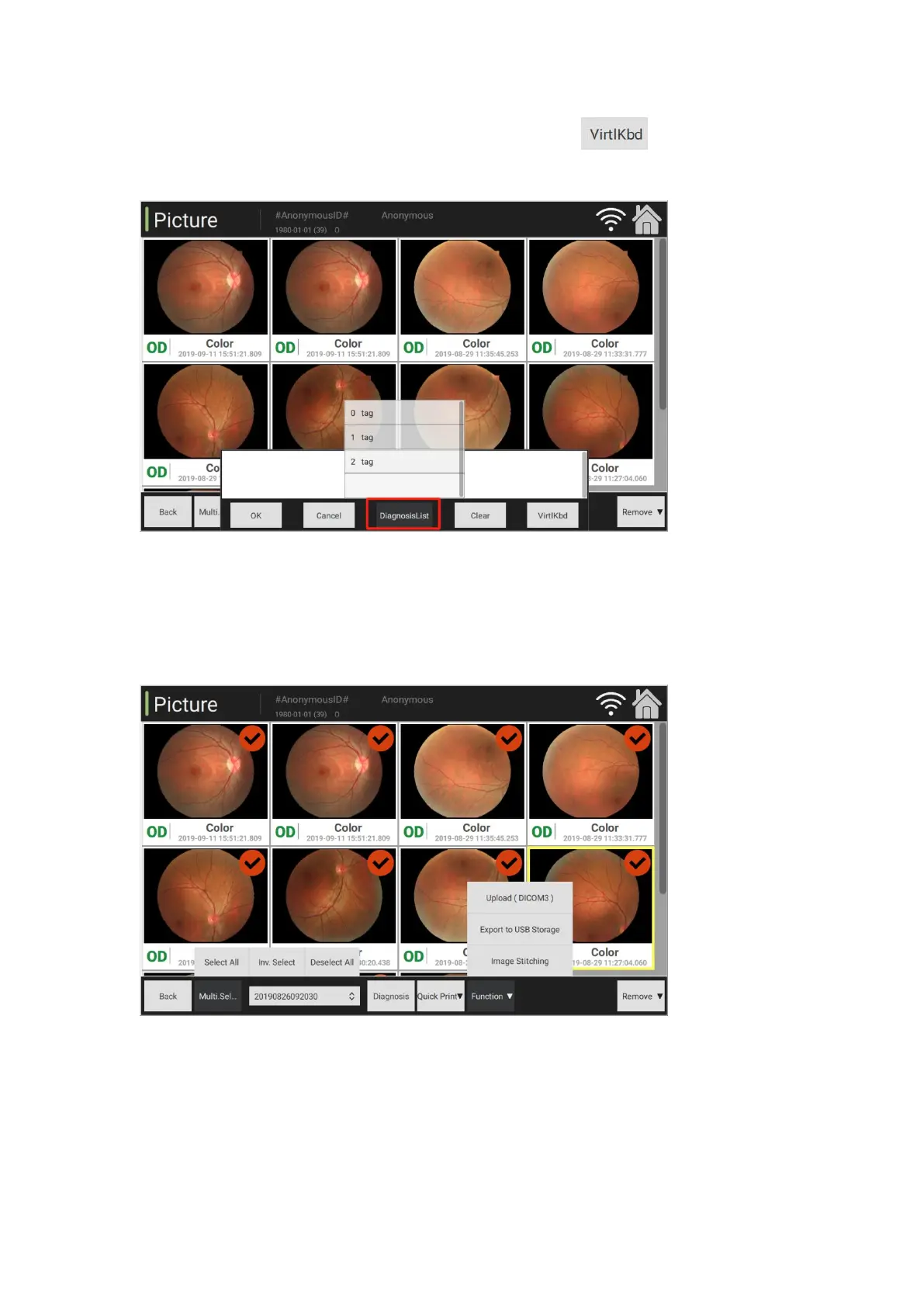
again to fill in the diagnosis information. Click virtual keyboard to initiate and then
input diagnosis information manually.
(7) Function selection: Upload DICOM3, export to USB storage and image mosaic
2. Comparison of two images
(1) It is at the image management interface. Select the function of comparison of two images and
enter the interface
(2) Comparison of two images: Select any image, click [Comparison of Two Images] button to



 To Next Page