4.0 SCHEDULE SET MODE
Press MODE until display shows:
5
CLK DATE SCH AUTO MAN
E101B SINGLE 7/22/07 10:02 PM Page 7
3.1 TO MODIFY STANDARD USA
DAYLIGHT SAVINGS DATES
MO TU WE TH FR SA SU ASTRO
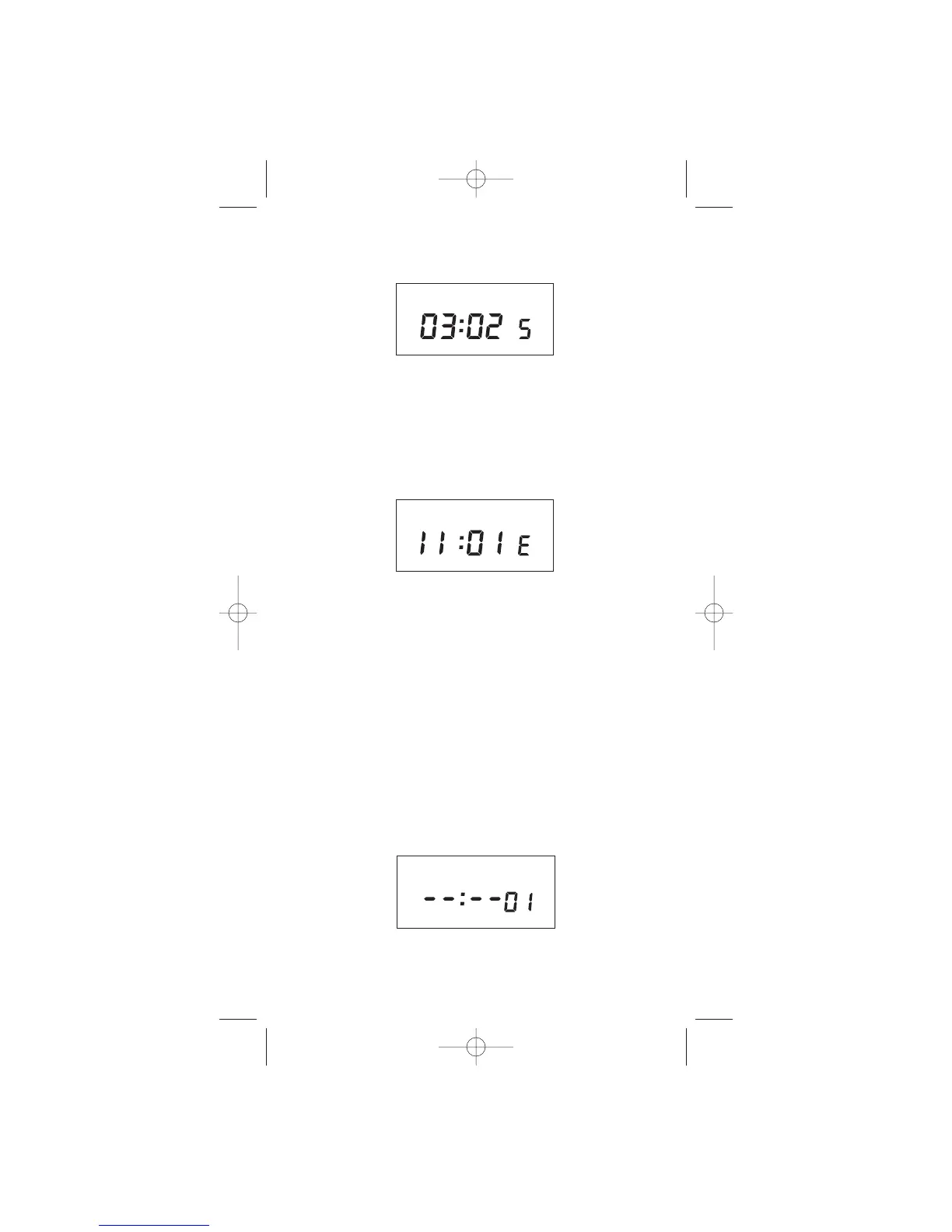
Press MONTH and DATE, to modify S (starting) DST
settings. NOTE: DATE will choose the week of the month
to be assigned. Choices are 01 (1st), 02 (2nd), 03 (3rd)
or L (Last) week of the month. The default day in SU
(Sunday). Pressing DAY changes default day. EXAMPLE:
04:01 SU S represents the first Sunday in April.
Press ENTER and the display will show:
MO TU WE TH FR SA SU ASTRO
Press MONTH and DATE, to modify E (ending) DST
settings. NOTE: DATE will choose the week of the
month to be assigned. Choices are 01 (Ist), 02 (2nd),
03 (3rd) or L (Last) week of the month. The default day
is SU (Sunday). Pressing DAY changes default day.
EXAMPLE: 10:L SU E represents last Sunday in
October.
Press ENTER and the display will show the modified
DSt starting date.
Press MODE to go to step 4.0.



 To Next Page