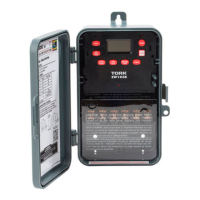
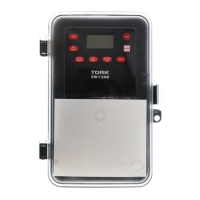
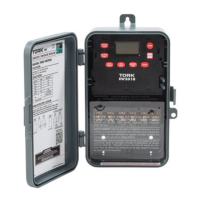
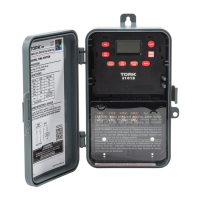
PROGRAMMING YOUR EWZ 101/103/120
NOTE: AFTER MAKING ANY CHANGES TO THE
PROGRAM, PRESS MODE TO GO TO RUN MODE
AND THEN PRESS EVENT TO UPDATE THE
LOAD STATUS.
AT POWER UP:
Unit should be program with AC power. Do not pro-
gram under super cap back up power. When power-
ing up the unit for the first time, allow 1-2 minutes for
supercap to charge,the display will show: E1A 60 r - 0A,
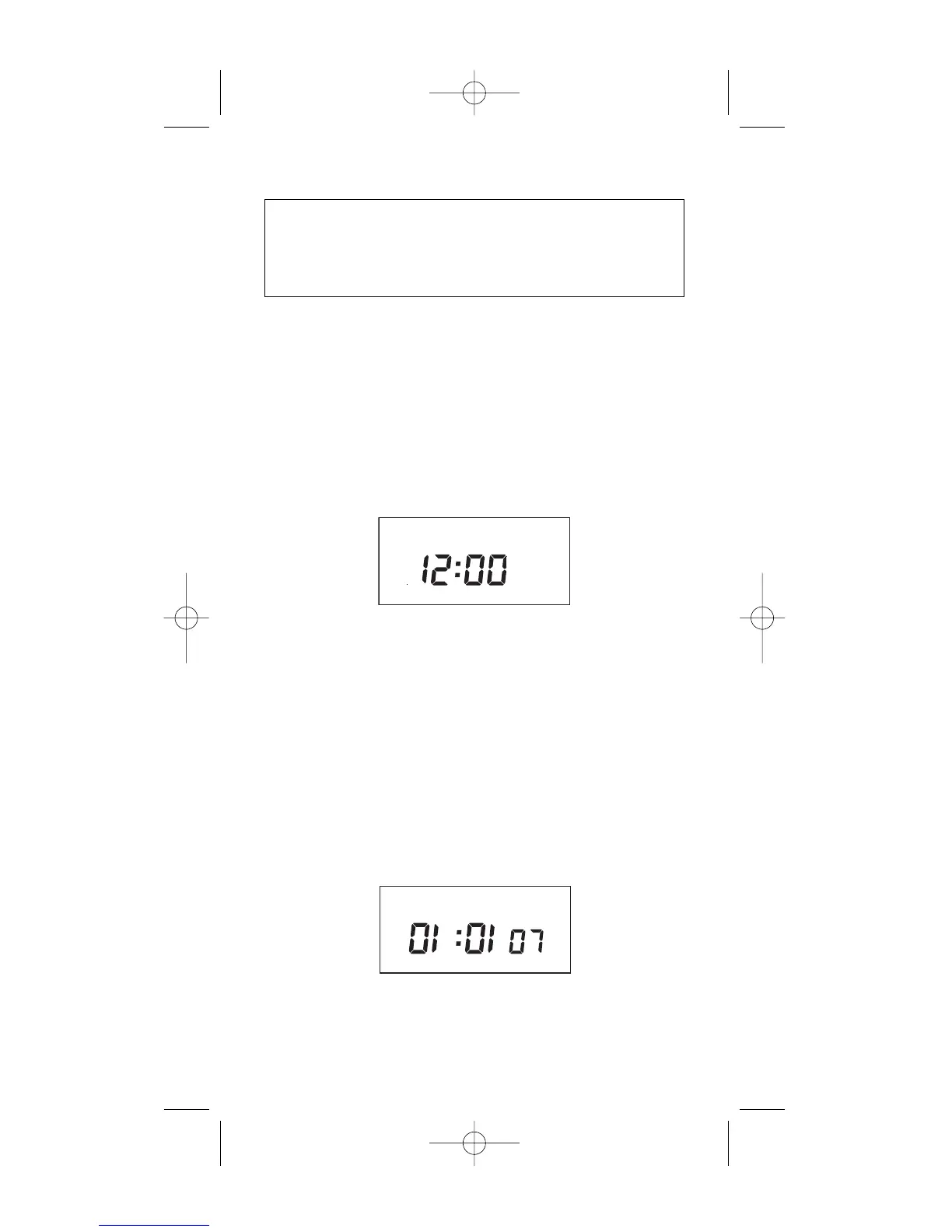
then 12:00 will flash on the display.
Press MODE to go to the CLK mode.
After pressing the MODE key the display will
show:
1.0 TO SET CLOCK
Press HOUR and MIN to advance to the present
hour and mins. Check AM/PM, and press ENTER.
1.1 TO MODIFY CLOCK
Press MODE until the display shows: CLK. Press
HOUR an MIN. to modify clock and press ENTER.
2.0 TO SET DATE
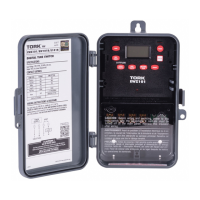
If you are setting for the first time, display will
show:
Press MONTH, DATE, and YEAR key to advance
to the desired Month, Date and Year, then press
ENTER.
2
MO TU WE TH FR SA SU ASTRO
CH1 MOM AM PM OFFSET CH2
CLK DATE SCH AUTO MAN
MO TU WE TH FR SA SU ASTRO
CLK DATE SCH AUTO MAN
EWZ101_120single 7/25/07 10:18 PM Page 4



 To Next Page