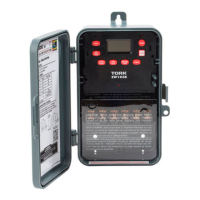
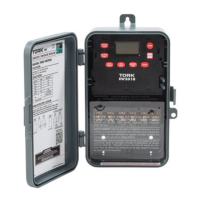
Follow the same procedures above to set more
schedule entries.
5.0 TO SET ASTRONOMIC SCHEDULE
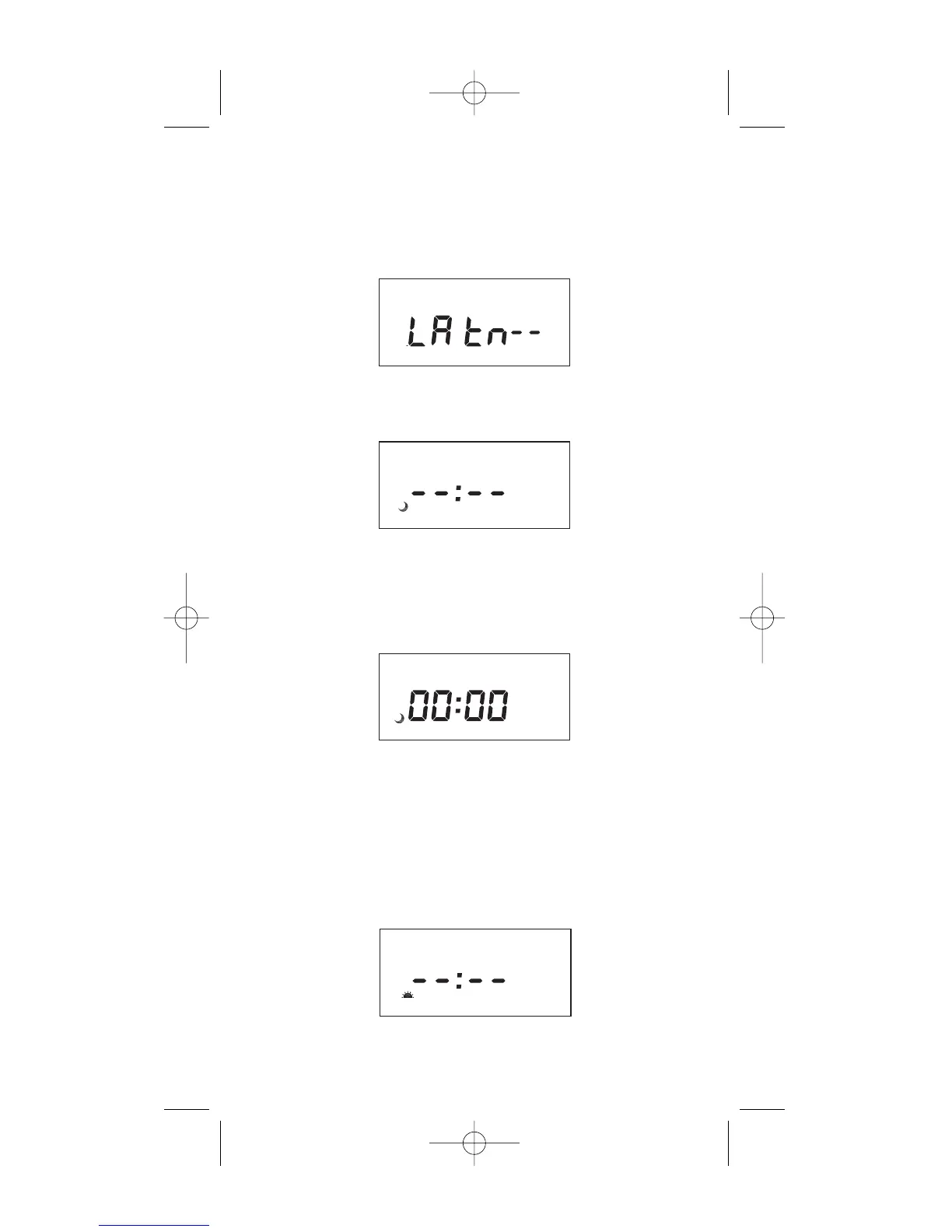
Press MODE until display shows:
Press LAT key to advance to the desired degree
of latitude, from 0° to 60° north or 0° to 60° south.
Press ENTER.
5.1 SELECTING ASTRO DAYS
Press DAY to select desired days in which you
want the load to turn ON at sunset and then press
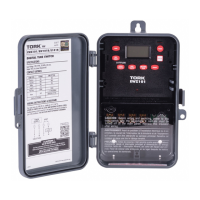
ENTER. NOTE: Sunset Time will be based on
Date and Latitude entered. The display will show:
If an offset to sunset time is required, press HOUR
and MIN. Offset can be set to 4 hours and 59 min-
utes max. Press EVENT to select + or – and then
press ENTER.
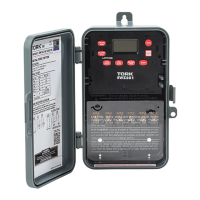
NOTE: A + sign will turn load ON that many hours
and/or minutes after sunset. A - sign will turn load
ON that many hours and/or minutes before sun-
set. The display will show:
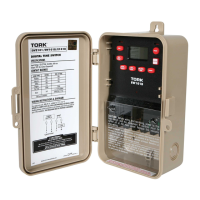
Press DAY and then ENTER to activate sunrise
time. NOTE: To turn load OFF at a preset OFF
5



 To Next Page