÷
_il _...... _!i_
lting an originat titte
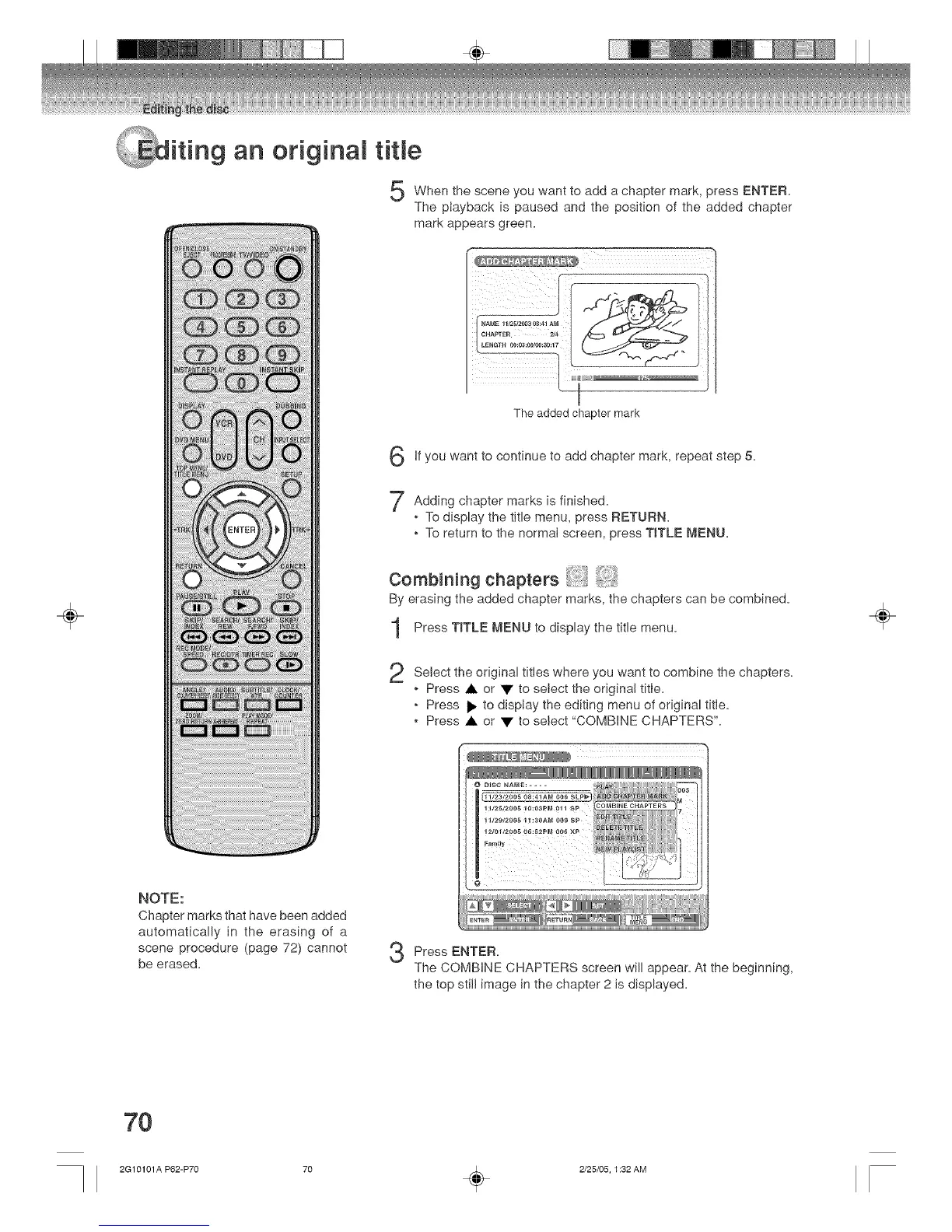
When the scene you want to add a chapter mark, press ENTER.
The playback is paused and the position of the added chapter
mark appears green.
The added chapter mark
If want to continue to add 5.
you
chapter mark,
repeat step
marks is finished.
Adding chapter
, To display the title menu, press RETURN.
, To return to the normaI screen, press TITLE MENU.
Combining chapters
By erasing the added chapter marks, the chapters can be combined.
Press T_TLE MENU to display the title menu.
2
Select the original titles where you want to combine the chapters.
, Press • or • to seiect the origina! title.
, Press i_ to display the editing menu of original title.
, Press • or • to select "COMBINE CHAPTERS".
NOTE:
Chapter marks that have been added
automatically in the erasing of a
scene procedure (page 72) cannot
be erased.
3
Press ENTER.
The COMBINE CHAPTERS screen will appear. At the beginning,
the top still image in the chapter 2 is displayed.
÷
7O
2G10101A P62-P70 70 _ 2/25/05, 1:32 AM



 To Next Page